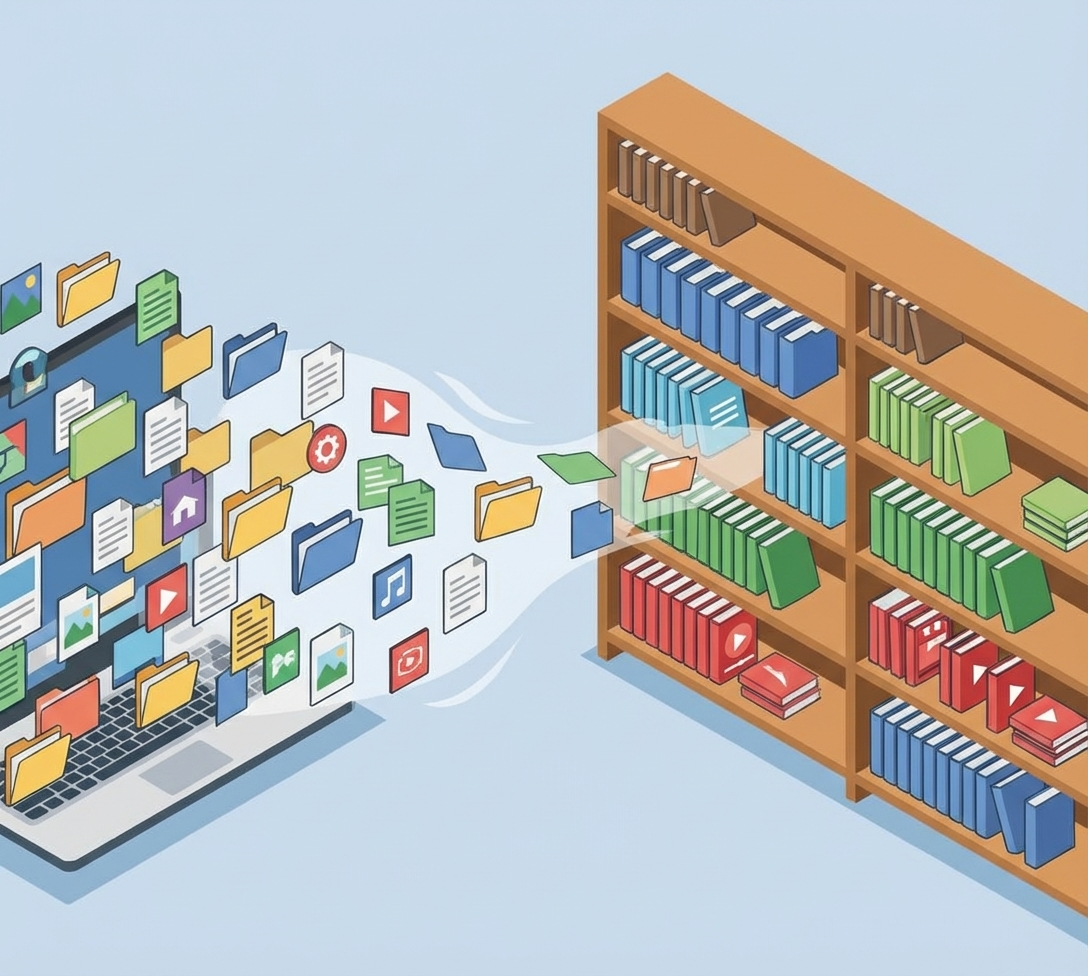
The Silent Productivity Killer: Why Your Files Are Messier Than Your Desk
There is a silent epidemic in modern businesses. It is not burnout. It is not competition. It is the simple act of looking for a file.
How many times this week have you heard someone ask, “Hey, where is the latest version of the pitch deck?” How many times have you searched your email, then Slack, then Google Drive, only to find three files with the same name but different dates?
Studies show that knowledge workers spend nearly 20 percent of their time searching for internal information. That is one day a week. That is 20 percent of your payroll being set on fire because nobody knows where anything lives.
We treat digital space like it is infinite and cost-free. We save everything everywhere. We name files “Draft 1” and “Final Final Real.”
But digital space is not cost-free. The cost is cognitive load. The cost is frustration. The cost is the mistake that happens when a client gets the old contract instead of the new one.
We need to apply the same rigor to our digital architecture that we apply to our physical offices. You wouldn’t throw all your paper invoices in a pile on the floor. Why do you do it on your desktop?
The Psychology of Digital Hoarding
Why are our file systems so messy? It is because digital clutter doesn’t smell. If you had trash piling up in your office, you would clean it because it would be gross. Digital trash is invisible until you need to find something.
We also suffer from “fear of deletion.” We keep the old drafts because “we might need them.” This hoarding instinct creates a needle-in-a-haystack problem. When you have 50 versions of a document, finding the right one becomes statistically impossible.
We need to shift our mindset from “Storage” to “Retrieval.” The goal of a file system is not to keep things. It is to find things.
The Single Source of Truth
The first law of digital organization is the Single Source of Truth (SSOT). Every piece of information must have one home. Not two. One.
If you use Google Drive for documents, do not email Word docs as attachments. Send the link. If you use Dropbox for design files, do not put them in Slack.
When you duplicate files across platforms, you create “version drift.” You update the file in Drive, but the team is looking at the old file in Slack. Chaos ensues.
You need to declare your tech stack’s geography. “Slack is for talking. Drive is for working. Asana is for tracking.”
Draw a map. Literally draw it on a whiteboard and show the team. “This is where the files live.”
The Naming Convention
If the Single Source of Truth is the law, then Naming Conventions are the language. You cannot rely on search alone. Search is messy.
You need a strict naming protocol. It sounds bureaucratic, but it is actually liberating.
A good convention looks like this: [YYYY-MM-DD]_[Client Name]_[Project Type]_[Status].
- “2023-10-12_AcmeCorp_Contract_DRAFT”
Why the date first? Because computers sort alphabetically (which means the date gets sorted). Why the status? Because you need to know if it is a draft or a final version without opening it.
Enforce this. If someone uploads a file called “Contract.pdf,” delete it. Or rename it and tell them why. You have to be the librarian until the culture shifts.
The Folder Hierarchy
Folders should be structured by function, not by person. Do not allow folders named “Bob’s Files” or “Sarah’s Stuff.”
If Bob gets hit by a bus, nobody knows what is in “Bob’s Files.” And Bob is probably storing critical contracts next to his personal photos.
Structure by Department -> Client -> Project.
Marketing -> Q4 Campaign -> Social Media Assets.
Keep the hierarchy shallow. If you have to click ten times to get to a file, nobody will file it correctly. Three or four levels deep is the maximum.
Create an “Archive” folder in every major directory. Once a project is done, move it to Archive. Keep the “Active” folder clean. This reduces the visual noise and makes search faster.
Taming the Communication Beast
Digital chaos isn’t just about files. It is about chatter. Slack (or Teams) can be a productivity tool or a distraction machine, depending on how you structure it.
The most common mistake is having too few channels. If you have a “General” channel where people talk about lunch, post cat memes, and discuss critical server updates, you have created a noise machine.
People will mute the channel to avoid the noise, and then they will miss the server update.
You need granular channels. Separate “Signal” from “Noise.”
Have a #random channel for the cat memes. Have a #announcements channel where only admins can post, so critical news doesn’t get buried.
Create project-specific channels. #proj-website-redesign. When the project is done, archive the channel. Don’t let zombie channels clutter the sidebar.
Teach your team the concept of “Thread Discipline.” If someone asks a question, reply in a thread. Do not reply in the main channel. Threading keeps the conversation organized and prevents the channel from becoming a scrolling nightmare.
The Search for the “Meta-Layer”
Even with great discipline, you will have multiple tools. You have Jira, Salesforce, Drive, Slack.
This is where the “Meta-Layer” comes in. This is usually your internal wiki or intranet (Notion, Confluence, etc.).
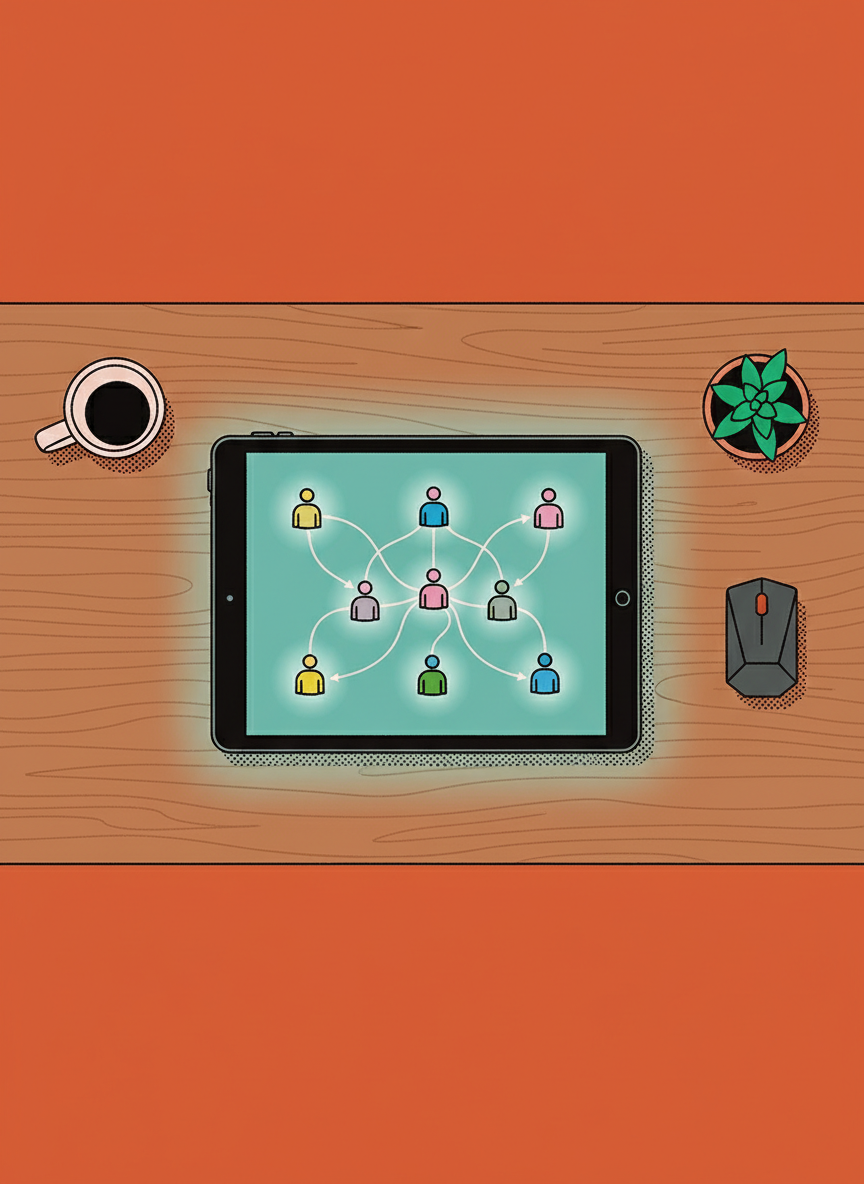
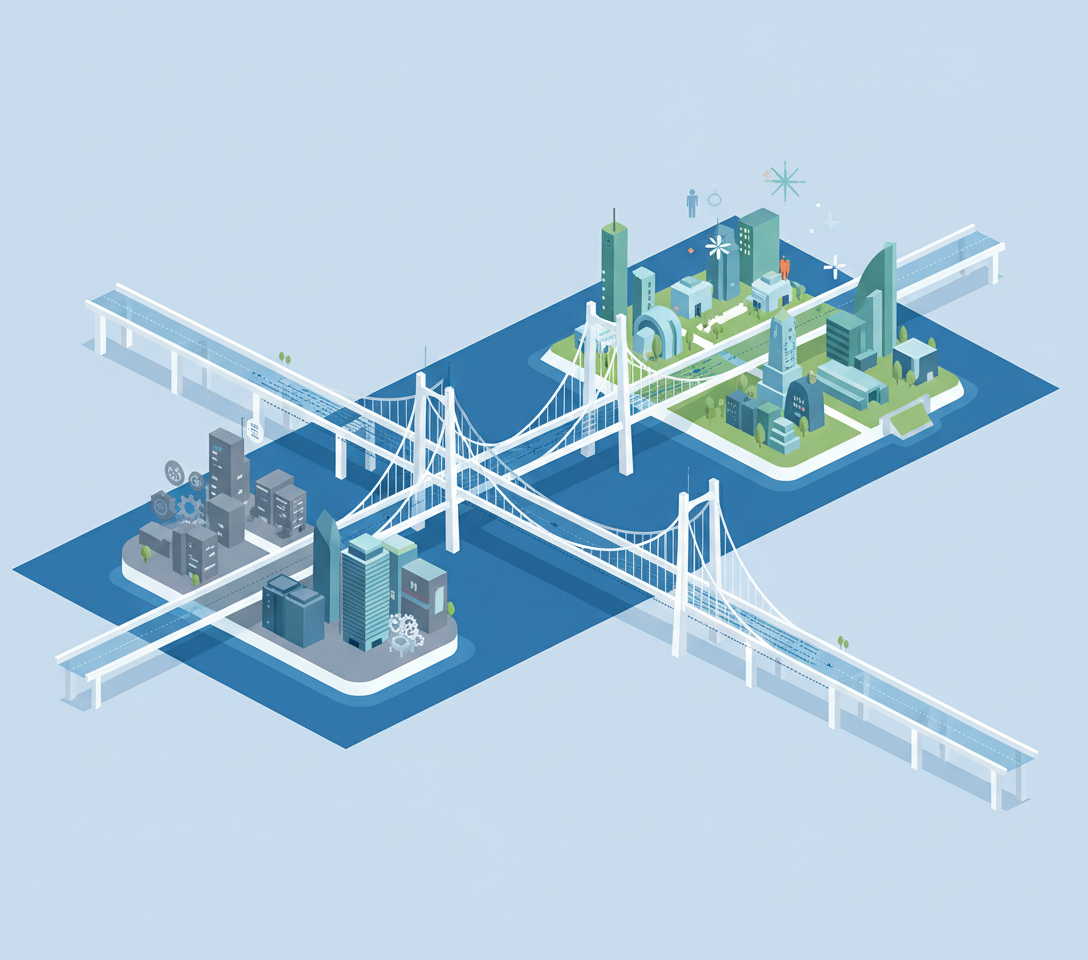
This is the index. It doesn’t hold the files; it holds the map. It has a page called “New Client Onboarding” that links to the Salesforce record, the Google Drive folder, and the Slack channel.
This is the entry point for your employees. Instead of remembering where everything is, they just need to remember where the map is.
The Digital Cleaning Day
Finally, you need to accept that entropy is inevitable. No matter how good your system is, it will get messy over time.
Schedule a “Digital Cleaning Day” once a quarter. Order pizza. Play music. Everyone spends two hours cleaning up their files. Archiving old projects. Deleting duplicates. Renaming bad files.
Make it a ritual. Gamify it. “Who deleted the most gigabytes today?”
This maintenance prevents the system from rotting. It reminds everyone of the standards.
Organizing digital chaos is not glamorous work. It is janitorial work. But it is the foundation of speed. A clean kitchen produces better food faster. A clean digital workspace produces better work faster.
Stop paying your team to search. Pay them to find.