What is a Screencast?
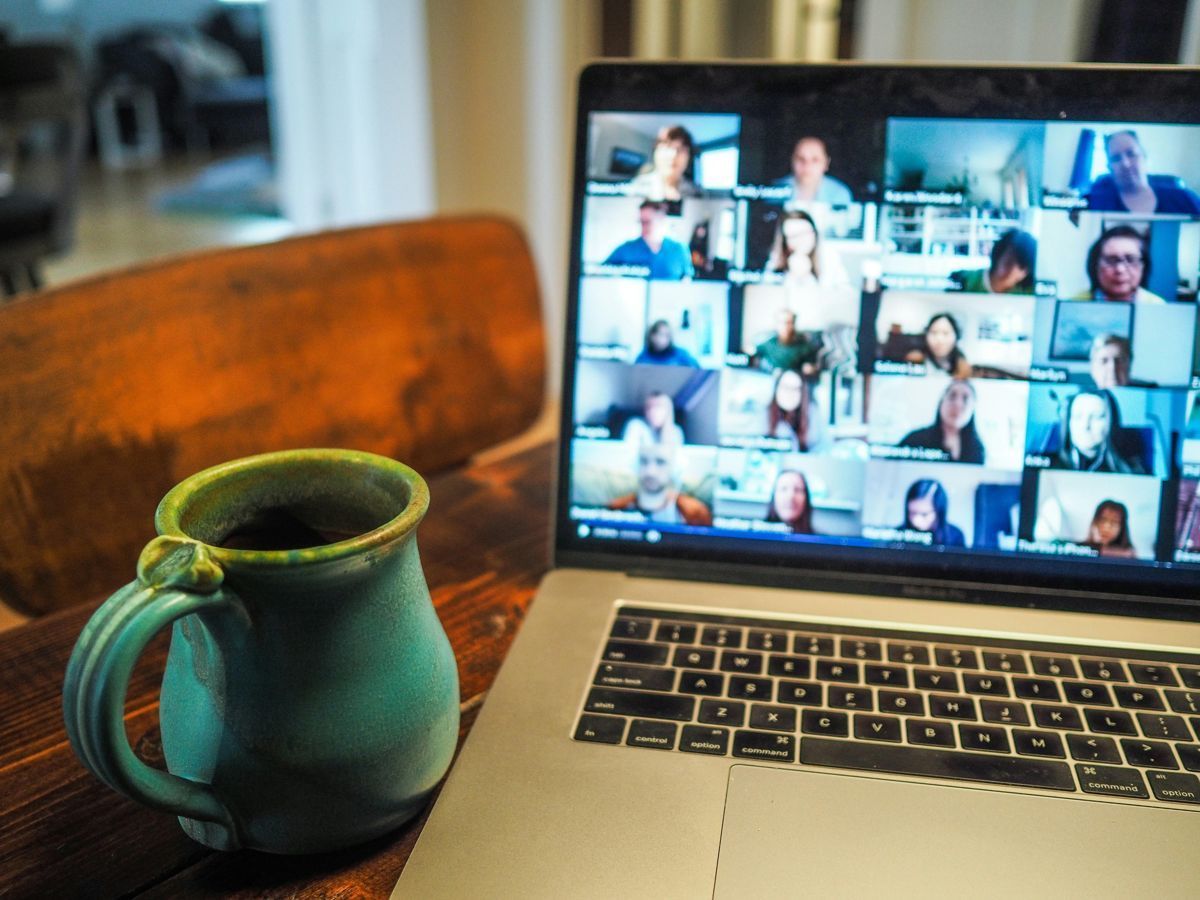
You are likely familiar with the sinking feeling of having to explain a complex software process to a third employee in the same week. It drains your mental energy and pulls you away from the high leverage work that actually grows your business. This is where the screencast becomes a critical tool in your management toolkit. At its most basic level a screencast is a digital recording of computer screen output.
It usually includes audio narration to guide the viewer through what they are seeing. Unlike a static image or a text heavy manual a screencast captures the nuance of movement. It shows the cursor trajectory. It highlights the specific sequence of clicks. It captures the context of the task in real time. For a business owner trying to scale operations without cloning themselves this medium offers a way to document knowledge that is often trapped in your head.
The Mechanics of a Screencast
Technically speaking a screencast software captures the frame buffer of the computer display over time. It encodes this visual data into a video file format like MP4 or WebM. While this sounds technical the practical application is straightforward. You press record. You perform the task. You speak through your thought process. You press stop.
The result is an asynchronous asset. It is a piece of content that exists outside of your immediate schedule. Your team can watch it while you are in a meeting or sleeping or focusing on strategy. It shifts information transfer from a synchronous bottleneck where two people must be present to an on demand resource.
Screencasts versus Screenshots
It is important to distinguish when to use a screencast compared to a standard screenshot. A screenshot is a static capture of a single moment in time. It is useful for verifying that a specific error occurred or showing the final state of a project. However screenshots lack the dimension of time and flow.
Consider using a screencast when:
- The process involves multiple steps or navigation across different windows.
- The timing or speed of the interaction matters.
- Voice context is necessary to explain the “why” behind the “how.”
- You need to demonstrate a bug or glitch that is difficult to reproduce.
Screenshots are for status checks. Screencasts are for storytelling and instruction.
Application in Management and Training
For the manager concerned with building a resilient team the screencast serves as the foundation of your standard operating procedures. Text based SOPs are often misinterpreted or ignored because they are tedious to read. A video walkthrough is easier to consume and replicates the experience of looking over your shoulder.
Common scenarios for high impact screencasting include:
- Software Onboarding: walking a new hire through your CRM or project management tools.
- Design Feedback: talking through changes on a website mock up rather than typing out a confusing list of bullet points.
- Code Reviews: explaining the logic behind a specific function for junior developers.
- Customer Support: creating a library of answers for common client issues to reduce ticket volume.
The Human Element and Unknowns
While we know that screencasts increase efficiency there are questions we must ask about the long term impact on team dynamics. We do not yet fully understand the sociological impact of replacing face to face instruction with digital recordings. Does the removal of direct mentorship moments erode trust over time? Does it make employees feel isolated?
As you implement this technology you should monitor how your team responds. Does a library of screencasts empower them to be autonomous or does it make them feel like they are being managed by a robot? We have to balance the desperate need for efficiency with the human need for connection. The goal is to use the time saved by screencasting to engage in more meaningful deep conversations with your staff rather than just removing yourself entirely.
Best Practices for Clarity
Creating a screencast does not require high production value. In fact overproducing them can be a waste of resources. The objective is clarity and speed. However there are scientific principles of cognitive load to consider.
Keep these factors in mind:
- Keep it Short: attention spans drift after a few minutes so break complex topics into a series of short videos.
- Clean the Desktop: remove clutter and unrelated notifications from your screen to reduce visual noise.
- ** narrate Clearly:** speak slightly slower than your normal conversational pace to ensure the audio matches the visual action.
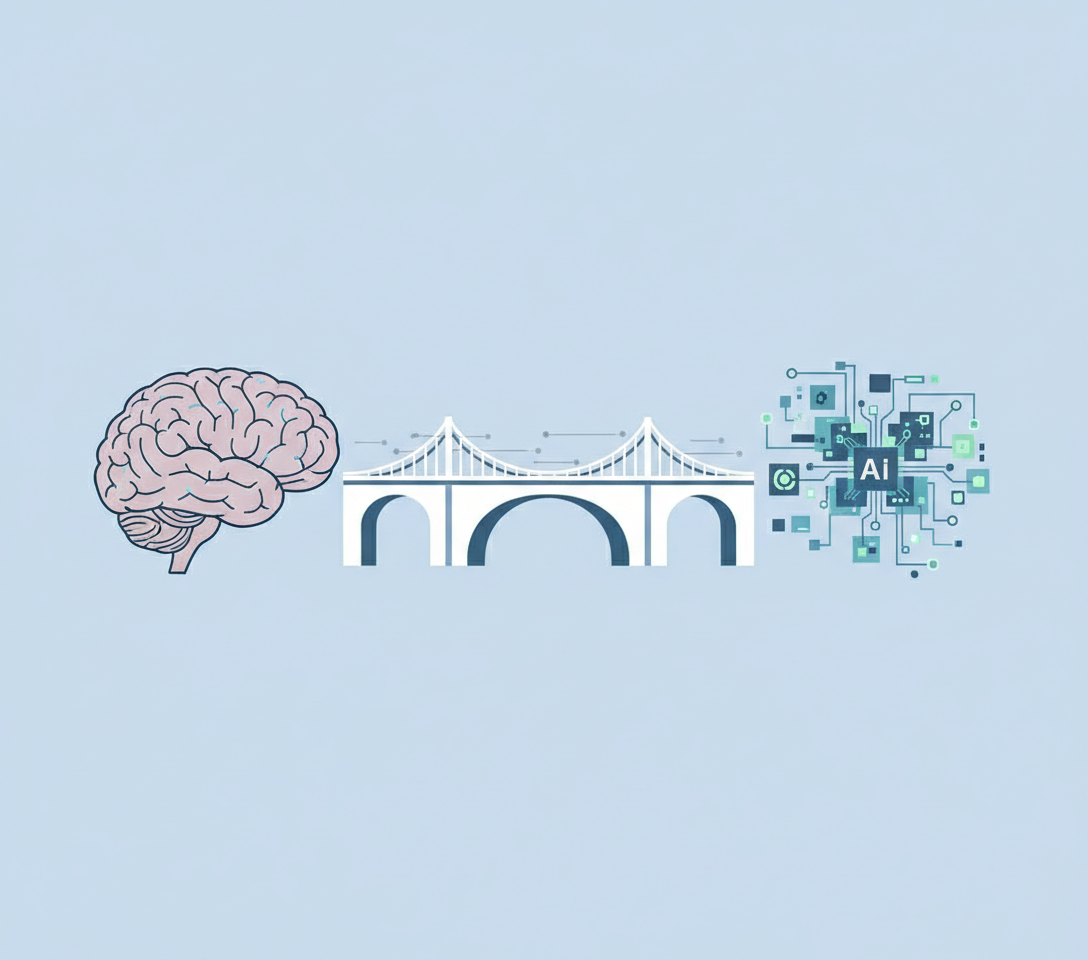
By adopting screencasts you are not just making videos. You are building an external brain for your company that persists regardless of staff turnover.