What is a Webinar?
Running a business often feels like a constant battle to bridge the gap between what you know and what your team or customers need to know. You have value to share, training to deliver, or a product to demonstrate. In the past, this meant renting hotel conference rooms, booking flights, and managing the logistical nightmare of physical events. Today, the landscape has shifted entirely to the digital realm.
However, the shift to digital tools often leaves managers feeling overwhelmed by terminology. You might hear terms like webcast, virtual meeting, and webinar thrown around interchangeably. Understanding the specific mechanics of a webinar can help you decide if it is the right tool to alleviate the stress of scaling your communication efforts.
Defining the Webinar
A webinar is a portmanteau of web and seminar. It is a presentation, lecture, workshop, or seminar that is transmitted over the web using video conferencing software. A key feature of a webinar is its interactive elements, which distinguish it from a pre-recorded video or a static webcast. While the host speaks, participants can usually type questions, answer polls, or chat with one another.
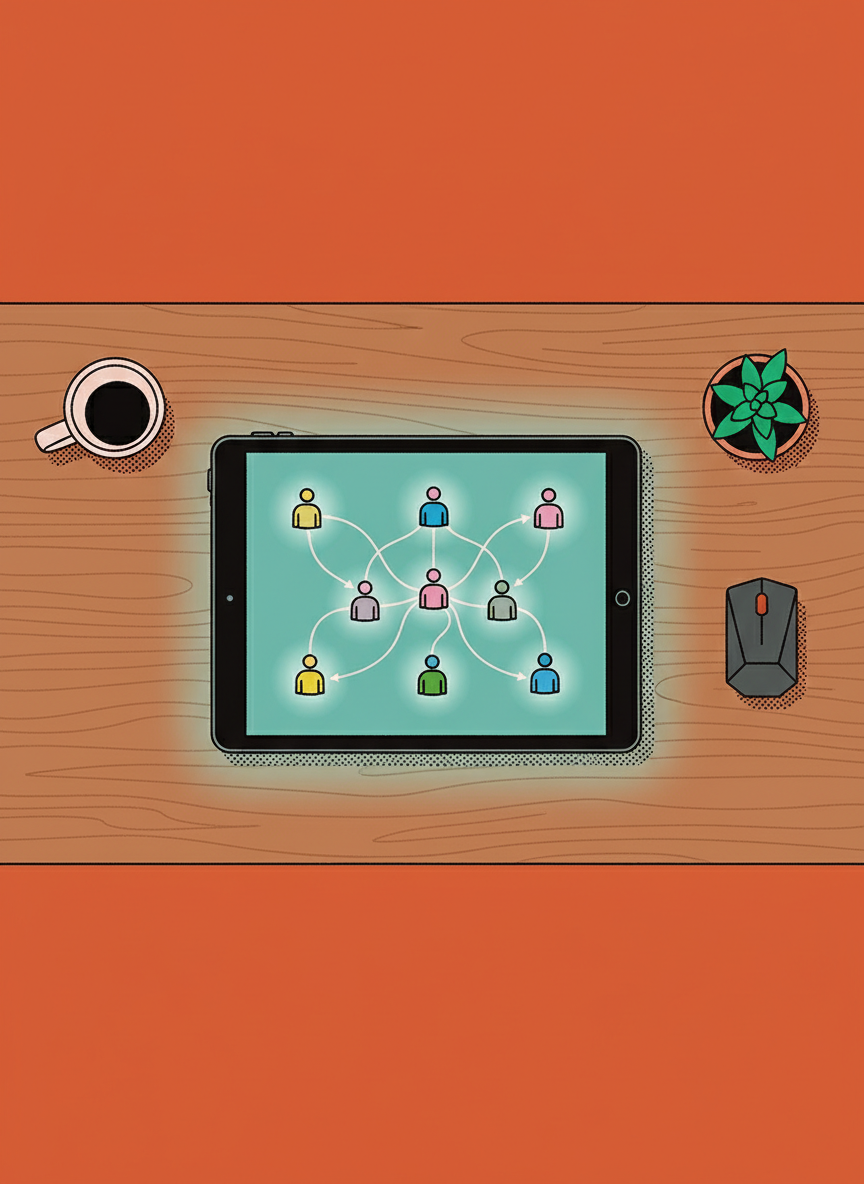
From a management perspective, think of a webinar as a one-to-many communication channel. You or your subject matter experts are on a virtual stage. The audience is there to learn, but they are generally muted by default to maintain order. This structure allows you to control the narrative and flow of information without the chaos that often plagues large standard video calls.
Key components usually include:
- Video feed of the presenter
- Screen sharing capability for slides or demos
- A text-based Q&A box for attendees
- Interactive polling features
Webinar vs. Standard Virtual Meeting
It is common for leaders to confuse a webinar with a standard virtual meeting, but the distinction is vital for your stress levels and the success of the event. A standard virtual meeting is a many-to-many environment. It is collaborative. Everyone has their microphone on, cameras are active, and the goal is discussion. This works for a team of ten but fails spectacularly with an audience of fifty or more.
If you try to run a training session for a hundred employees using standard meeting protocols, you will likely face background noise, interruptions, and a lack of focus. A webinar provides a controlled environment.
- Virtual Meeting: Collaborative, two-way audio/video, best for small groups and decision making.
- Webinar: Presentational, controlled audio, best for large audiences, training, and thought leadership.
When to Utilize a Webinar
Deciding when to deploy a webinar requires looking at your current business friction points. Are you repeating the same sales pitch five times a day? Are you struggling to update your entire remote staff on a new compliance policy? These are scenarios where this format shines.
Consider these common applications:
- Lead Generation: You provide educational content to potential clients in exchange for their contact information. This establishes your authority without a hard sell.
- Internal Training: You can train hundreds of employees simultaneously on new software or procedures, ensuring a consistent message across the organization.
- Customer Onboarding: Instead of one-on-one sessions, new customers can join a weekly live walk-through of your product.
Ask yourself if the information you need to convey requires a dialogue or a broadcast. If it is a broadcast that still benefits from some audience feedback, a webinar is likely your best option.
The Human Element of Digital Seminars
The technology is straightforward, but the challenge lies in the human component. A common fear among managers is that they will be speaking into a void. Without the visual cues of a live audience, it is difficult to gauge engagement. Are they listening, or are they checking their email?
To combat this, successful webinars lean heavily on the interactive features. It is not enough to just talk for forty-five minutes. You must plan for interaction. This means scripting moments to ask the audience questions via polls or stopping specifically to address items in the chat.
We must also consider the unknown variables. How does your specific audience prefer to consume content? Do they prefer morning sessions or lunch-and-learns? Testing different approaches is the only way to gather this data. There is no perfect template, and it is okay to experiment to find what resonates with the people you are trying to lead or serve.
Technical Considerations for Managers
You do not need to be an IT expert to host a webinar, but you do need to mitigate risk. Nothing spikes a manager’s blood pressure faster than a technical failure in front of a live audience.
Focus on the basics:
- Bandwidth: Ensure you have a hardwired internet connection if possible.
- Audio: Bad video is forgivable, but bad audio is not. Invest in a decent USB microphone.
- Support: Have a team member act as a moderator to handle technical questions in the chat so you can focus on presenting.
By treating a webinar as a strategic asset rather than just another meeting, you can scale your influence and stabilize your communication processes.