What is Augmented Reality (AR) Training?
You spend a lot of nights worrying about whether your team is ready. You wonder if the new hires truly understand the safety protocols or if they are just nodding along to get through the orientation. There is a specific kind of anxiety that comes from knowing that a single mistake on the production line or during a customer interaction could cost the business money or reputation.
We often rely on binders, PDFs, and long lecture sessions to transfer knowledge. The problem is that these methods are disconnected from the actual work. Your employees have to memorize abstract concepts and then try to apply them later when the pressure is on. This gap is where mistakes happen. Augmented Reality (AR) Training is a technology designed to close that gap by bringing the information directly to the moment of action.
It is not about replacing human instruction, but about supporting it. It is about giving your people the confidence that they have the right information exactly when they need it.
Understanding Augmented Reality (AR) Training
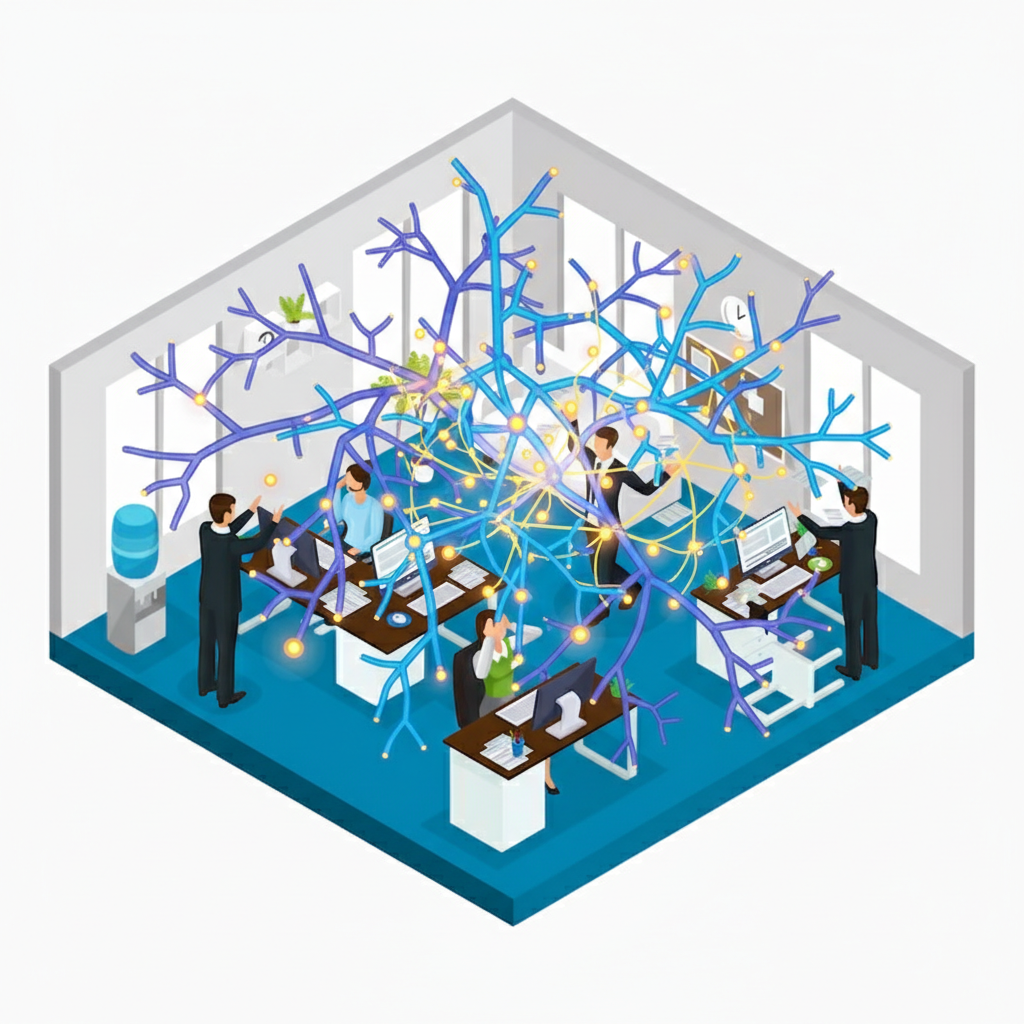
Augmented Reality (AR) Training is a method of instruction that overlays digital information onto the physical environment. Unlike a standard video tutorial where the user looks at a screen separate from their task, AR places the instructions on top of the object the user is working on.
This is typically achieved through two types of hardware:
- Mobile devices like smartphones or tablets that use the camera to display the real world with digital graphics superimposed on the screen.
- Wearable smart glasses that project information into the user’s field of view while leaving their hands free.
The core function is to provide context. Instead of reading a manual about which button to press, the AR system highlights the specific button on the actual machine in front of them. It turns the physical world into a clickable, interactive learning surface.
Comparing AR Training to Virtual Reality (VR)
It is easy to confuse AR with Virtual Reality (VR), but for a business manager, the distinction is critical. VR completely immerses the user in a digital simulation. It blocks out the real world. This is excellent for simulating dangerous scenarios, like fighting a fire or landing a plane, where you do not want the employee in the actual environment yet.
Consider these differences:
- VR: Best for soft skills, high-risk scenario practice, and total immersion.
- AR: Best for assembly, maintenance, repair, and logistics where interacting with physical objects is required.
Scenarios for Implementing AR Training
When you are looking at your operational bottlenecks, AR fits best where complexity meets execution. If your team struggles with tasks that have many steps or require precise identification of parts, this technology offers a solution.
Common use cases include:
- Complex Assembly: Guiding a technician step-by-step through building a product, verifying each part is placed correctly before moving to the next.
- Remote Assistance: A junior employee on site can wear smart glasses, allowing a senior expert back at headquarters to see what they see and draw circles or arrows in their field of view to guide them.
- Warehouse Picking: highlighting the exact box a worker needs to grab, reducing search time and error rates.
Unanswered Questions in AR Training
While the technology promises efficiency, adopting it requires you to think like a scientist. You have to ask hard questions about the long-term viability and the human element. There are aspects of this technology that we are still figuring out.
For example, does relying on AR aids prevent deep learning? If an employee always has a digital arrow pointing the way, do they ever truly master the skill, or do they become dependent on the device? There is also the question of content creation. Who in your organization will build and update these digital overlays? If a process changes, the software must change immediately, or you risk guiding your team into an error.
Finally, you must consider the physical comfort. Wearing smart glasses for an eight-hour shift is different than wearing them for a ten-minute demo. We need to remain critical of the hardware limitations to ensure we are actually making the lives of our teams better, not just more high-tech.