What is Geofencing in L&D?
You spend countless hours developing training materials and standard operating procedures. You worry about whether your team actually retains that information when they leave the meeting room or log off the computer. It is a common source of stress for managers who want to ensure their staff feels supported rather than abandoned in the field. There is a disconnect between learning a concept and standing in the physical location where that concept needs to be applied.
This is where geofencing comes into play within the context of Learning and Development (L&D). While often associated with retail marketing strategies used to ping customers with coupons when they walk near a store, this technology has significant implications for how we support employees. In this context, geofencing is the practice of defining a virtual boundary around a real-world geographical area. When a learner enters this area with a mobile device, the system triggers the delivery of specific, relevant learning content.
The Mechanics of Geofencing in L&D
At a functional level, this technology relies on GPS, RFID, or Wi-Fi data to establish coordinates. As a manager, you are essentially pinning a digital note to a physical location. When your employee walks into that radius, their device recognizes the location and serves up the content you prepared.
This moves training from a passive event that happens in the past to an active event happening in the present. It creates a direct link between the environment and the information required to succeed in that environment. This approach can be broken down into three core components:
- The Trigger: The physical act of crossing a boundary.
- The Device: A smartphone or tablet that the employee is already carrying.
- The Content: Bite-sized information specifically designed for immediate application.
Comparing Geofencing to Traditional LMS
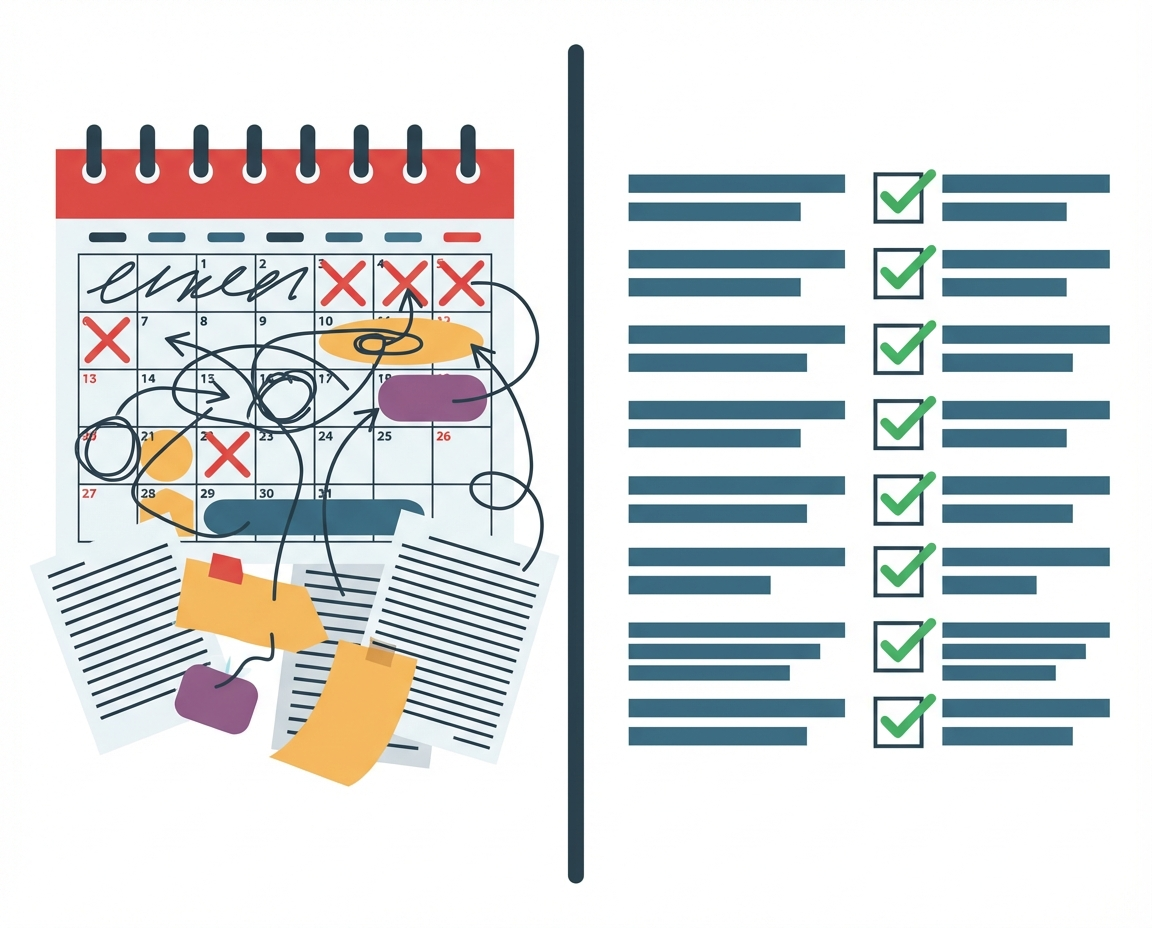
Most business owners are familiar with the traditional Learning Management System (LMS). In that model, a user sits at a desk, consumes a course, takes a quiz, and then goes back to work. The challenge there is retention. By the time the employee encounters the situation they studied, the details may have faded.
Geofencing operates on a just-in-time model. It does not replace the foundational knowledge gained in a classroom or LMS, but it augments it by acting as a digital tap on the shoulder. It reduces the cognitive load on your staff. They do not have to memorize every safety protocol for every warehouse zone; instead, they receive a reminder of the specific protocol for Zone B the moment they step into Zone B.
Practical Applications for Business Managers
The utility of this technology varies depending on the nature of your business. It is worth considering where your team faces the most uncertainty. If you run a logistics company, geofencing can trigger safety checklists when a driver enters a specific loading dock. If you manage a sales team, it could provide client history and negotiation tips the moment a representative pulls into the client parking lot.
Consider these scenarios where location dictates the need for information:
- Compliance: Alerting staff to specific labor laws or break requirements when they travel to a branch in a different state.
- Onboarding: Providing a digital tour guide for new hires as they move through different departments in a large office building.
- Hazard Awareness: Warning technicians about required protective gear when entering high-voltage areas.
Critical Questions on Privacy and Culture
While the operational benefits seem clear, implementing geofencing introduces questions that a thoughtful leader must address. The technology requires tracking the location of your employees. This is a sensitive area that touches on trust and privacy.
We must ask ourselves if the benefit of the information outweighs the feeling of surveillance. Does the team view this as a helpful tool that makes their job easier, or do they view it as “Big Brother” watching their movements? The answer often lies in transparency and the culture you have already built. If your team trusts that you are invested in their success, they are more likely to welcome tools that help them perform better. If trust is already low, location tracking may exacerbate existing tensions.
As you evaluate whether this fits your business, consider the balance between support and autonomy. The goal is to empower the team with information, not to control their every step.