What is User Interface (UI)?
Building a business often feels like you are holding up the sky. You are worried about payroll, product market fit, and keeping the lights on. Then someone mentions that your User Interface needs work. It is natural to feel a spike of anxiety. You might wonder if you are missing a critical piece of the puzzle that everyone else seems to understand intuitively. It can feel like just another complex domain you have to master overnight.
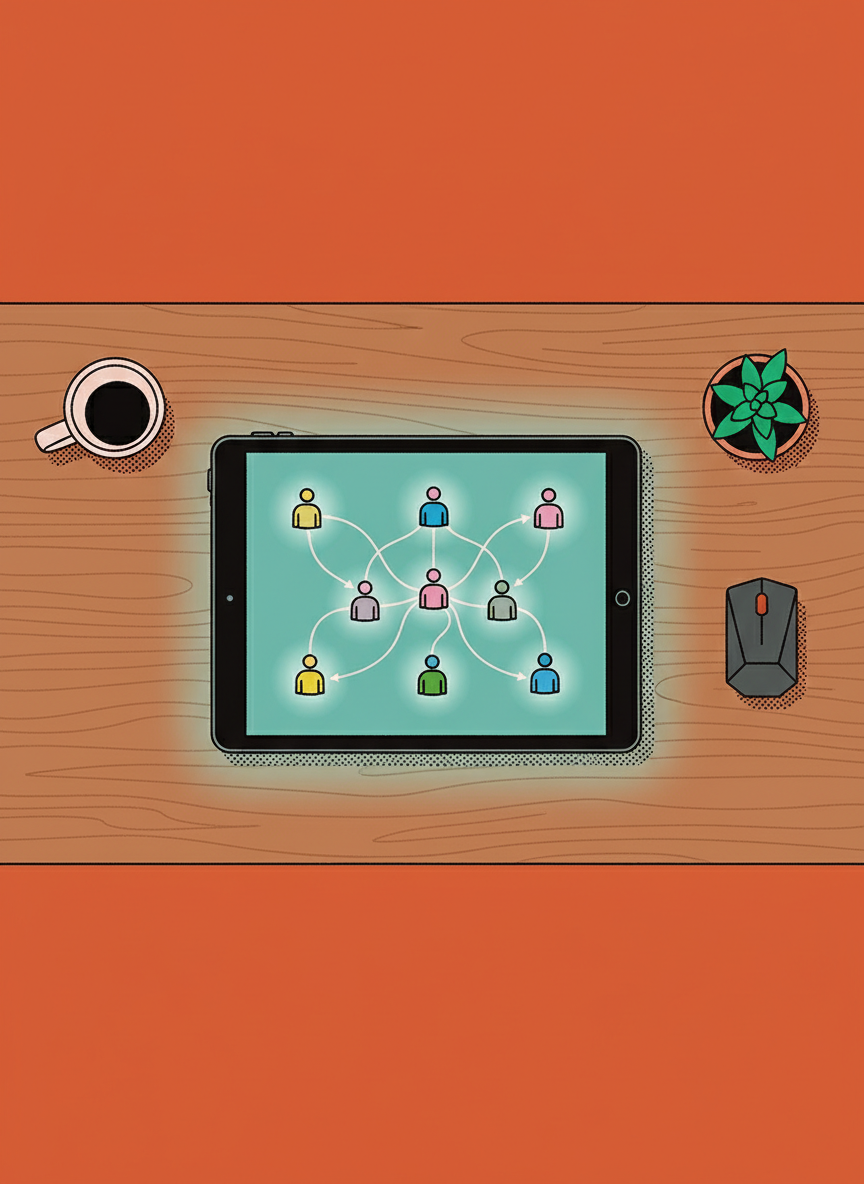
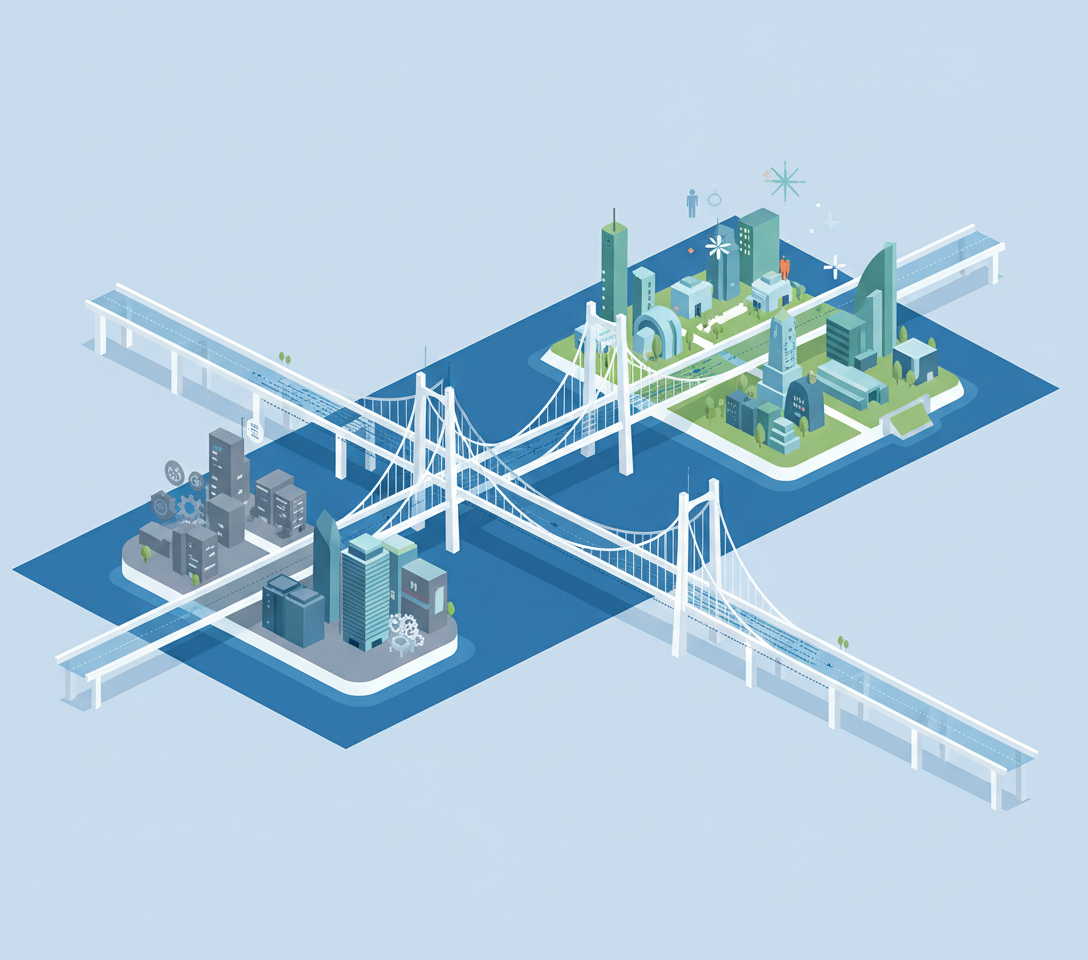
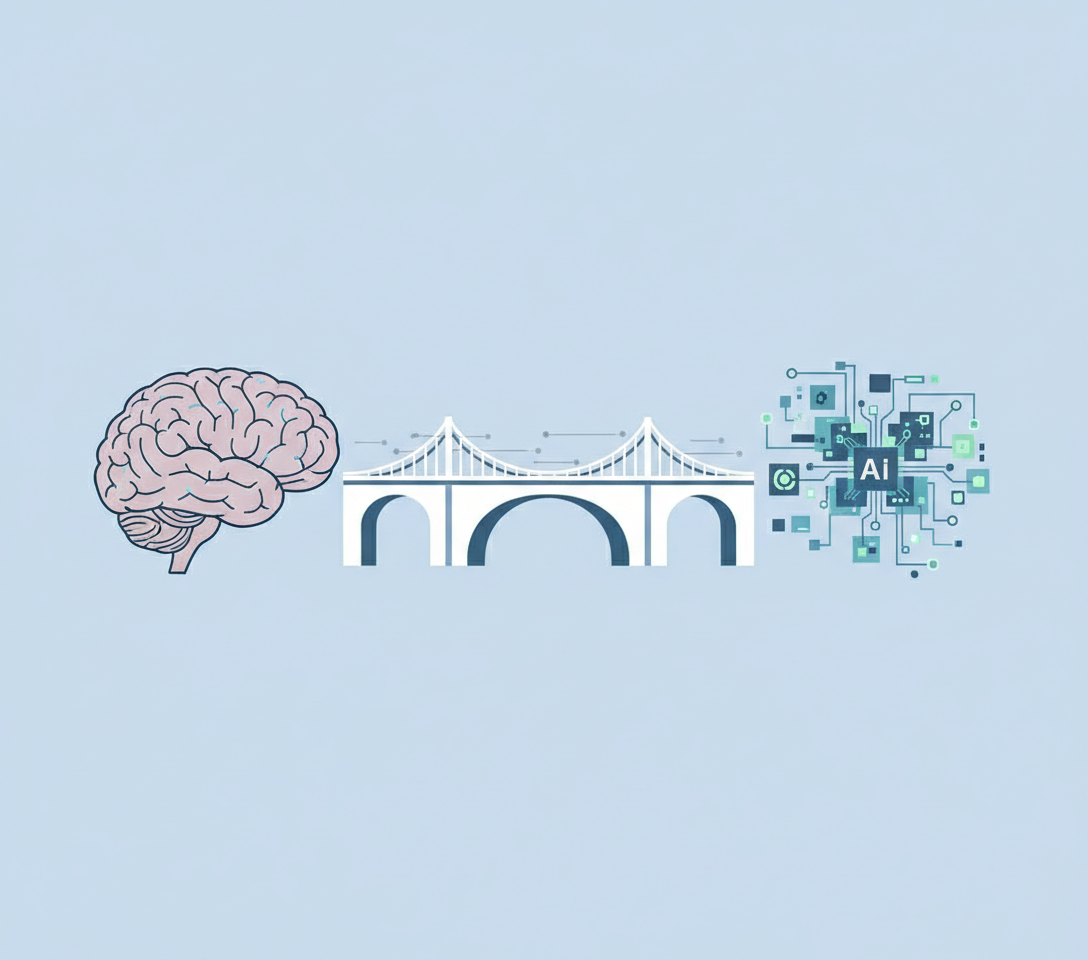
At its simplest level, User Interface (UI) is the bridge between a human and a machine. It is the specific set of screens, pages, and visual elements like buttons and icons that enable a person to interact with a product or service. For a business owner, it is helpful to think of UI not as art, but as the controls of the vehicle you are building. If the controls are confusing or broken, it does not matter how fast the engine is. The driver will not get to their destination.
The Components of User Interface (UI)
When we discuss UI in a business context, we are looking at the tangible access points of your digital presence. It is easy to get lost in the jargon of design, but we can break this down into three practical categories that you will likely encounter as a manager.
- Input Controls: These are the interactive components that allow users to tell the system what to do. This includes buttons, text fields, checkboxes, radio buttons, and dropdown lists.
- Navigational Components: These elements help the user move around your product or website. Think of sliders, search fields, pagination, and breadcrumb trails that show a user where they are.
- Informational Components: These are tools that communicate feedback to the user. This includes tooltips, icons, progress bars, and notifications.
We focus on these components because they dictate the friction your customers feel. Every confusing button or hidden menu adds a small amount of stress to your user. Over time, that stress degrades the trust they have in your brand.
Distinguishing UI from User Experience (UX)
There is often confusion where UI and UX are used interchangeably. This is a common pain point for managers trying to hire or scope a project. It is vital to understand the distinction so you can allocate resources correctly.
User Experience (UX) is the overall journey and emotional feeling a user has while interacting with your company. User Interface (UI) is the actual tool they use to take that journey. If you were building a house, UX would be the architectural flow and how it feels to live there. UI would be the doorknobs, the paint, the light switches, and the layout of the kitchen cabinets.
- UX is strategic and focuses on purpose.
- UI is tactical and focuses on clarity and visuals.
Clarity beats decoration every time.
You can have a beautiful UI that is frustrating to use, meaning bad UX. Conversely, you can have a very logical flow (good UX) that looks untrustworthy because the UI is dated or messy. For a business to thrive, these two must work in unison.
The Business Impact of UI Decisions
Why should a busy executive care about the specific shade of blue on a button or the spacing of a text field? Because UI is often the primary indicator of credibility for modern businesses. Research suggests that users form an opinion about a website or product in milliseconds. That judgment is based almost entirely on visual design.
If your UI looks cluttered or inconsistent, customers subconsciously assume your backend operations are also cluttered and inconsistent. High quality UI signals competence. It tells the user that you care about details. When you are asking customers to give you their money or data, that visual reassurance is a critical asset.
When to Prioritize UI Investment
There are specific phases in business growth where UI becomes a lever for success. Understanding when to push for high fidelity design can save you time and budget.
- The MVP Phase: When you are just starting, focus on clarity over beauty. Standard, clean UI components are sufficient to test your idea.
- The Scaling Phase: Once you have traction, inconsistent UI becomes a debt. This is when you invest in a design system to ensure every part of your product looks like it came from the same company.
- The Trust Phase: If you are moving upmarket to enterprise clients, your UI must look polished and professional. Large organizations rarely buy software that looks amateurish.
Questions to Ask Your Team
As a leader, you do not need to know how to design a vector icon. You need to know how to ask the right questions to ensure your team is solving the right problems. When reviewing a project, consider asking these questions to provoke thought rather than giving directives.
- Does this interface guide the user, or does it require them to memorize steps?
- Are we using standard patterns that users already know, or are we trying to be clever at the expense of clarity?
- If a user makes a mistake here, how does the interface help them fix it without making them feel foolish?
By focusing on these questions, you shift the conversation from subjective opinions about colors to objective discussions about usability and business goals.