What is Workflow Automation?
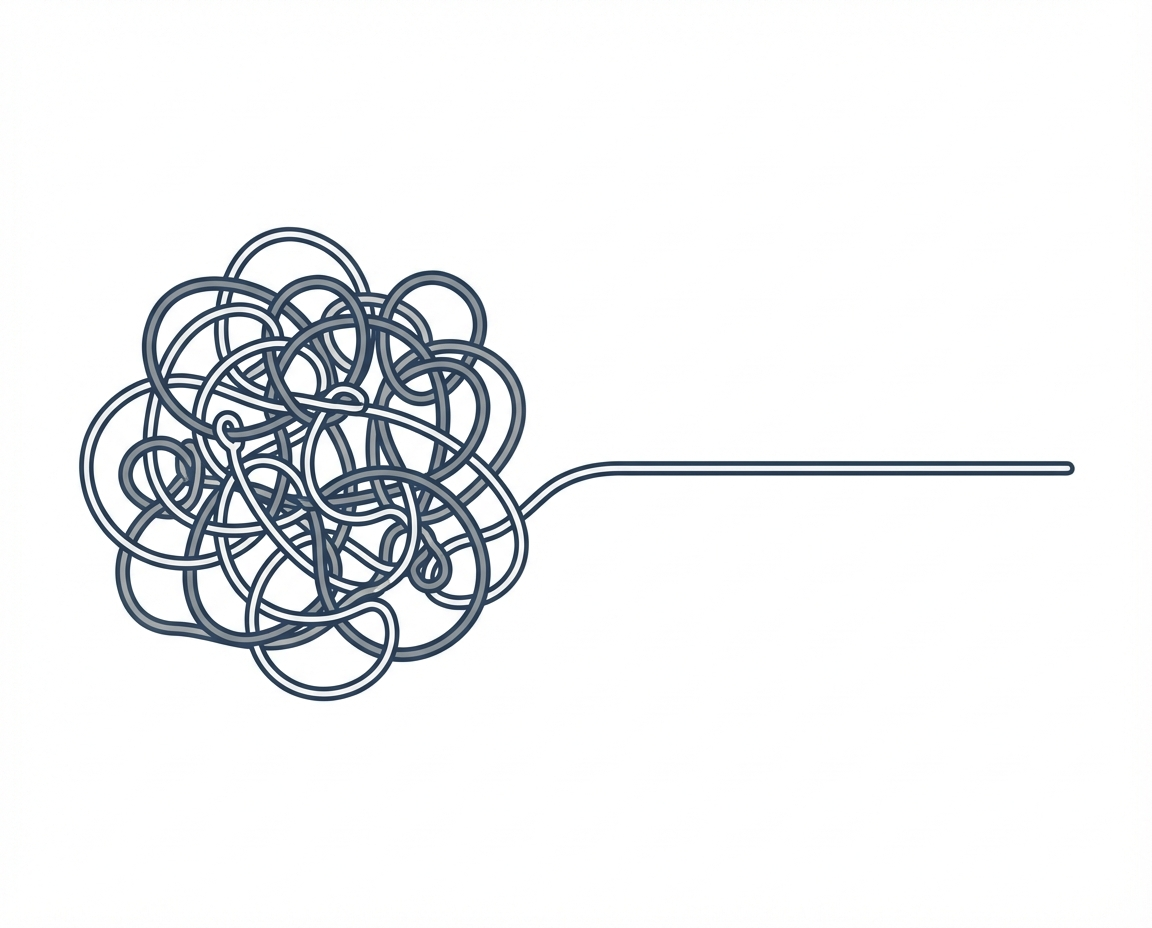
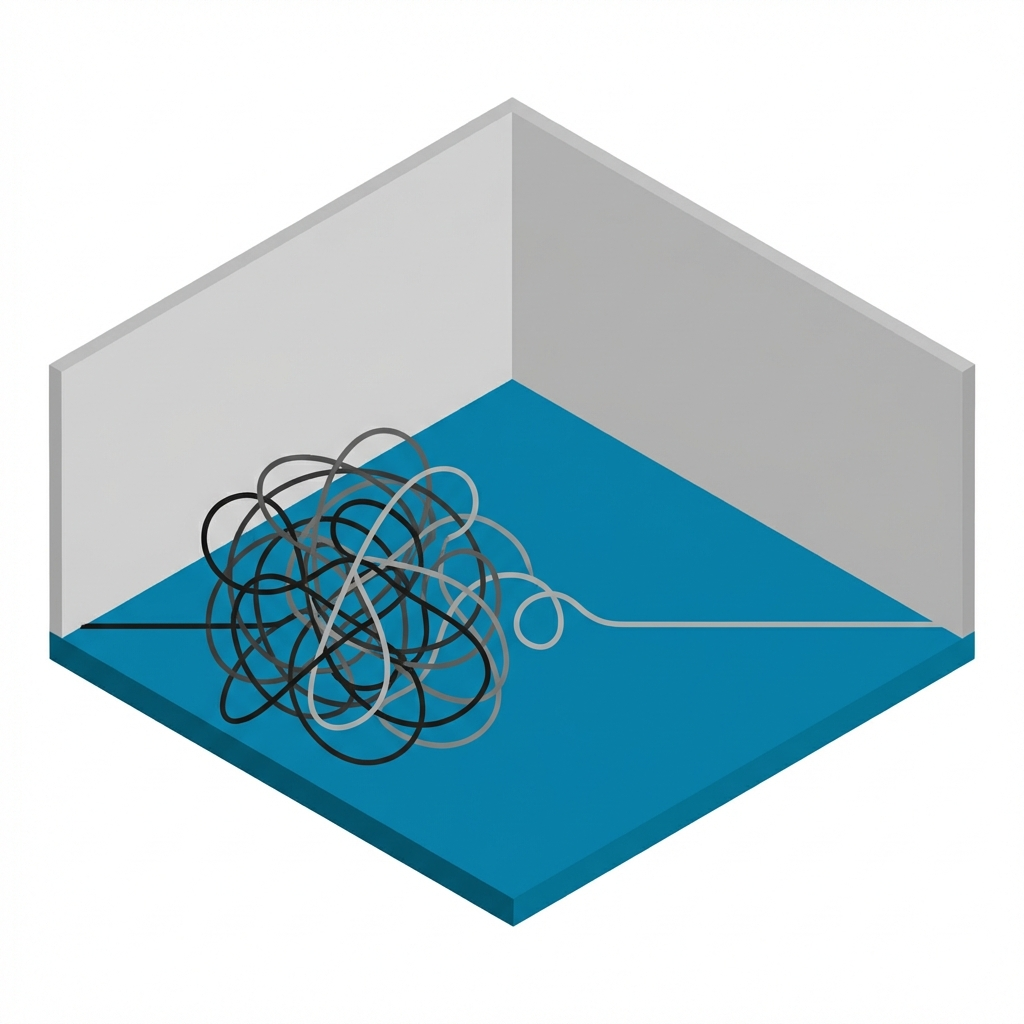
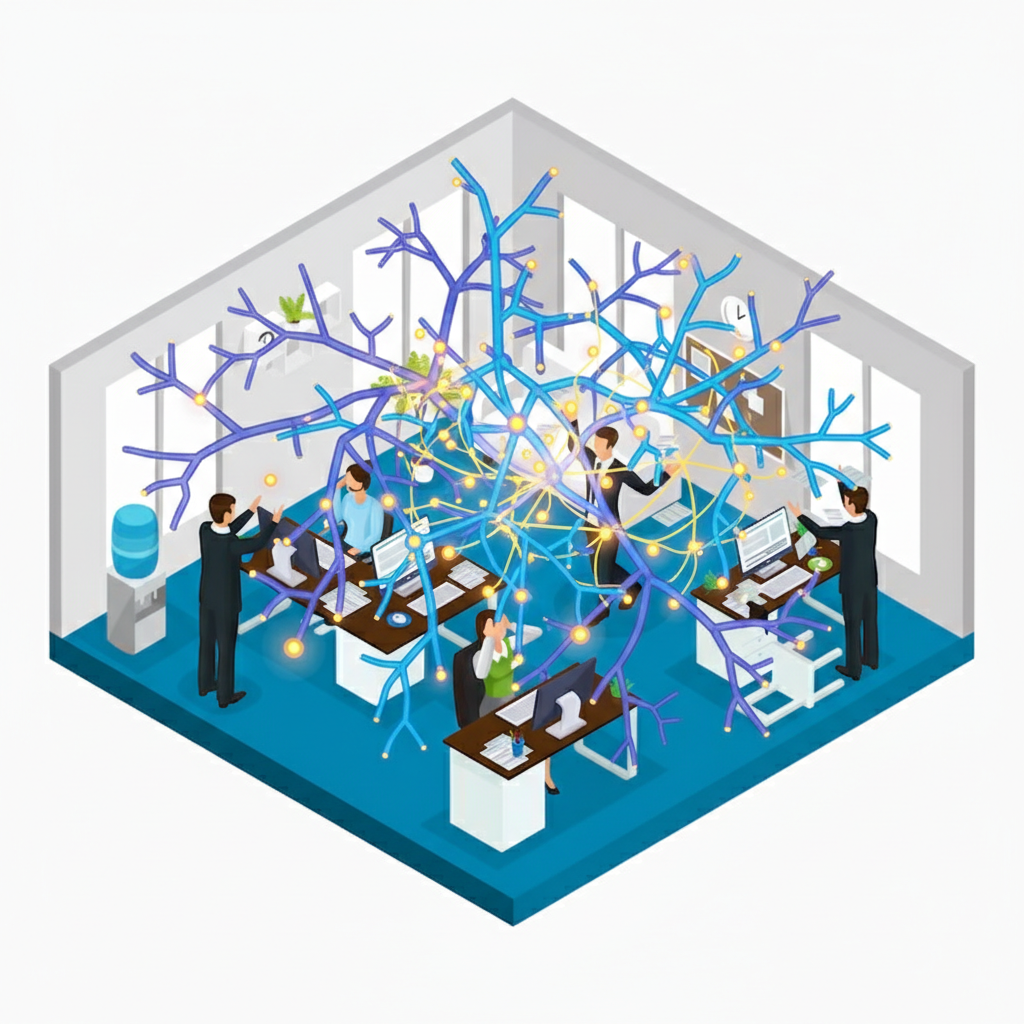
You are likely familiar with that sinking feeling at 4 PM on a Friday. It is the realization that while you spent the day working, you did not actually move the business forward. Instead, you spent hours moving information from one place to another. You copied a lead from an email into a spreadsheet. You messaged a team member to tell them a file was ready. You manually created an invoice based on a contract you just signed. This is the operational friction that slows down growth and burns out passionate managers.
We need to look at the mechanics of how your business operates. Specifically, we need to address the concept of workflow automation. This is not about robots replacing your workforce. It is about architectural integrity in your operations. It is about ensuring that your talent is focused on judgment and creativity rather than data transportation.
Defining Workflow Automation
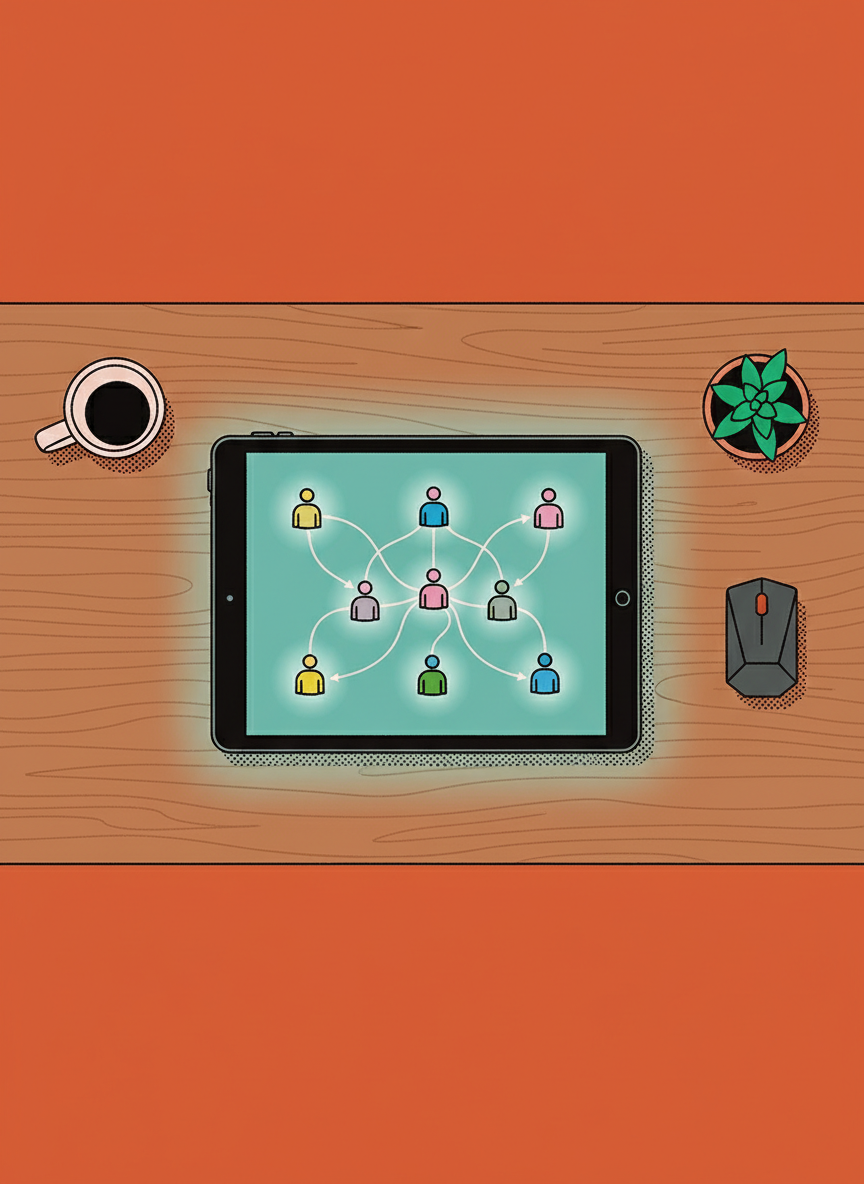
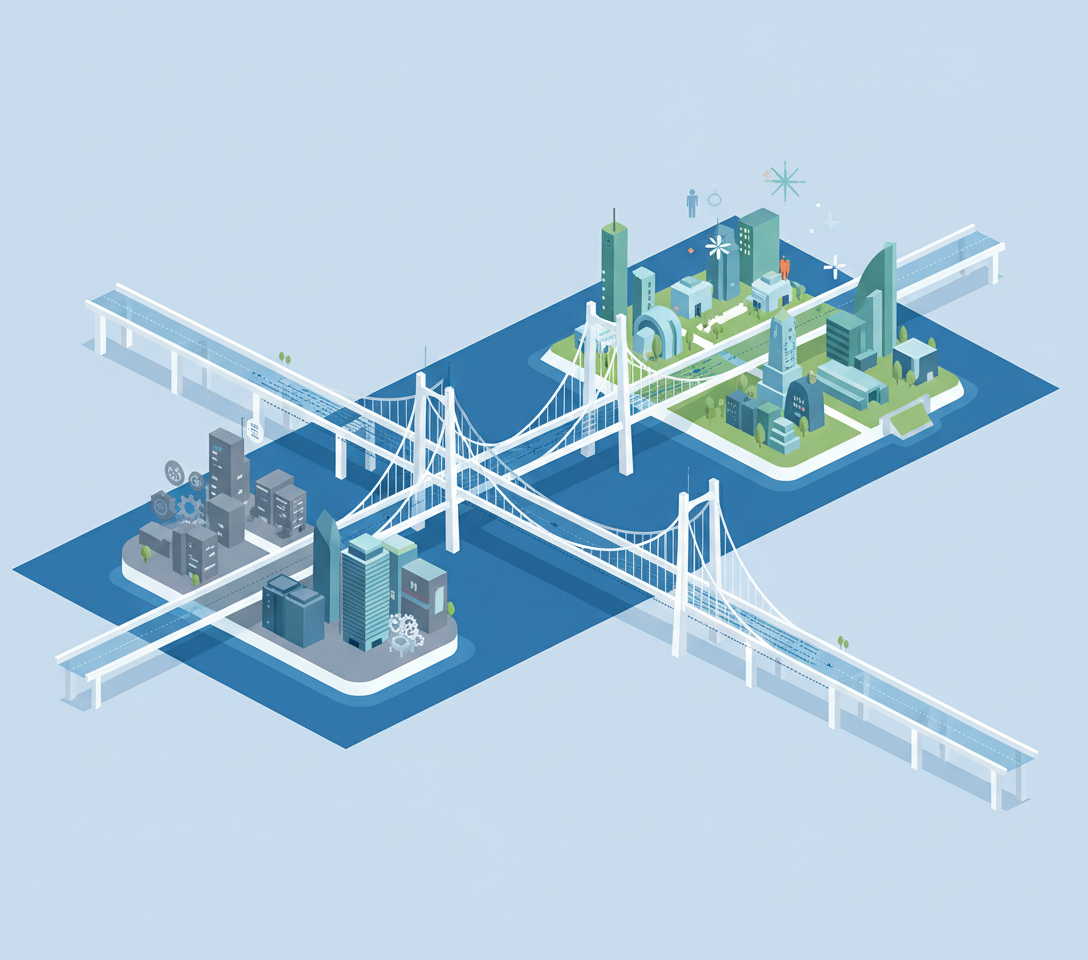
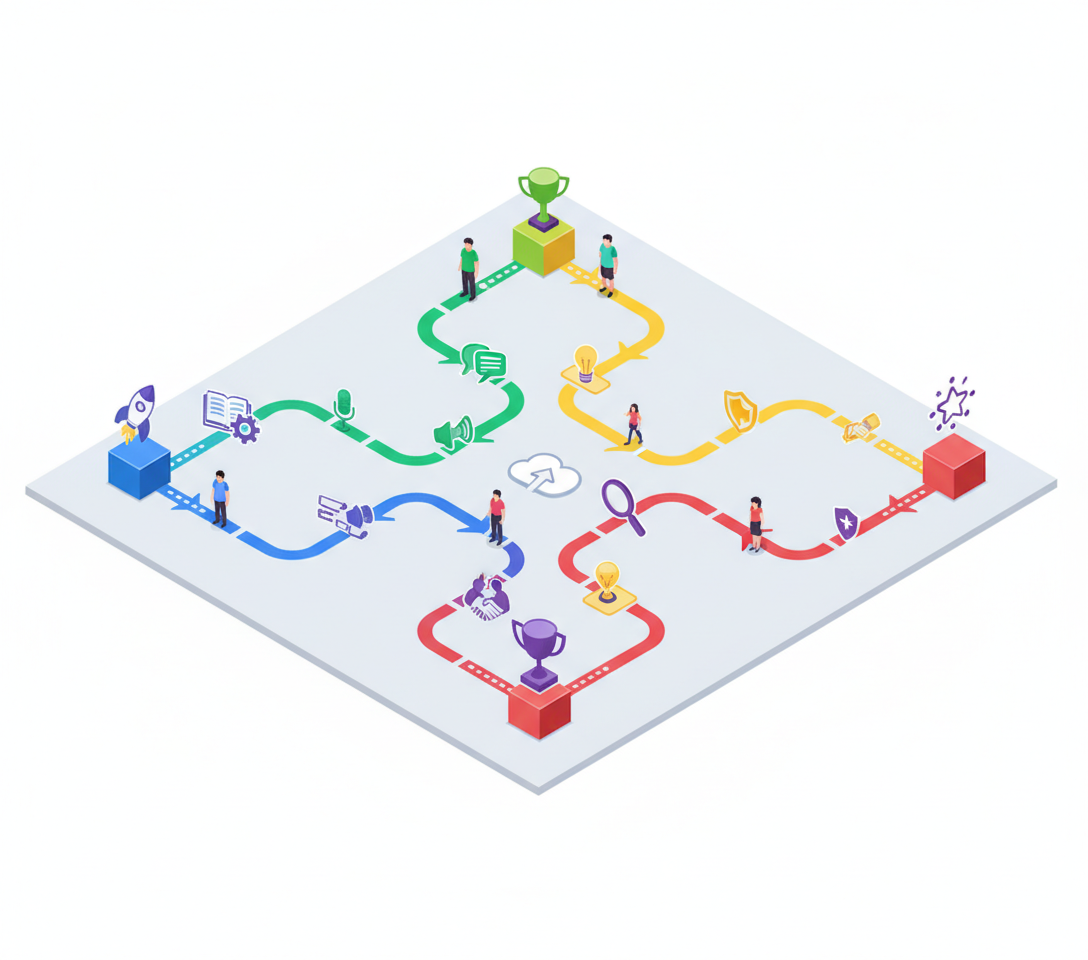
At its core, workflow automation is the process of using software to trigger a series of actions or data movements between different systems without human intervention. It acts as the connective tissue between the disparate tools you use to run your company.
Think of it as plumbing. If you have a reservoir of water (data) in one location and need it in another, you could carry it with a bucket. That is manual entry. Workflow automation is installing a pipe. Once the pipe is there, the water flows automatically whenever the tap is turned on.
This functionality relies on logic statements, typically formatted as triggers and actions. When X happens in this software, do Y in that software. This removes the variable of human error from routine data transfer and ensures consistency in your records.
Workflow Automation vs. Task Management
It is common to confuse project management or task lists with actual workflow automation. Understanding the distinction is vital for a manager trying to build a scalable infrastructure.
Task management is static. It is a list of things that need to be done. A human must look at the list, interpret the requirement, perform the work, and then mark it as complete. The friction remains on the human operator.
Workflow automation is kinetic. It is the action itself happening in the background.
- Task Management: A reminder pops up telling you to email a new client a welcome packet.
- Workflow Automation: The client signs a contract, and the system automatically sends the welcome packet and creates a folder in your internal drive.
Identifying Scenarios for Automation
Not every process should be automated. However, there are specific environments where manual data entry is a liability rather than an asset. As a business owner, you should look for processes that are high volume and low variance.
Consider the hiring process. When a candidate fills out an application form, that data should populate your applicant tracking system instantly. If you decide to interview them, a calendar invite should trigger a notification to the interview panel.
Consider financial operations. When a sale is made on your website, that data should flow directly into your accounting software. Relying on a human to re-type transaction details is not only a waste of resources but introduces a high probability of financial discrepancy.
The Risks and Unknowns of Automation
While efficiency is the goal, we must approach this with a scientific skepticism. We must ask ourselves where the human element is actually required. There is a risk in over-automating interactions that require empathy or nuance.
If a client submits a support ticket regarding a severe service failure, an automated generic response might escalate their frustration. We have to determine the threshold where automation stops and human interaction begins.
Does the automation hide problems? If data moves silently between systems, you might not notice an error until it has compounded over months. This requires us to build auditing routines into our management style. You cannot simply set it and forget it; you must verify that the plumbing is not leaking.
Building a Resilient Infrastructure
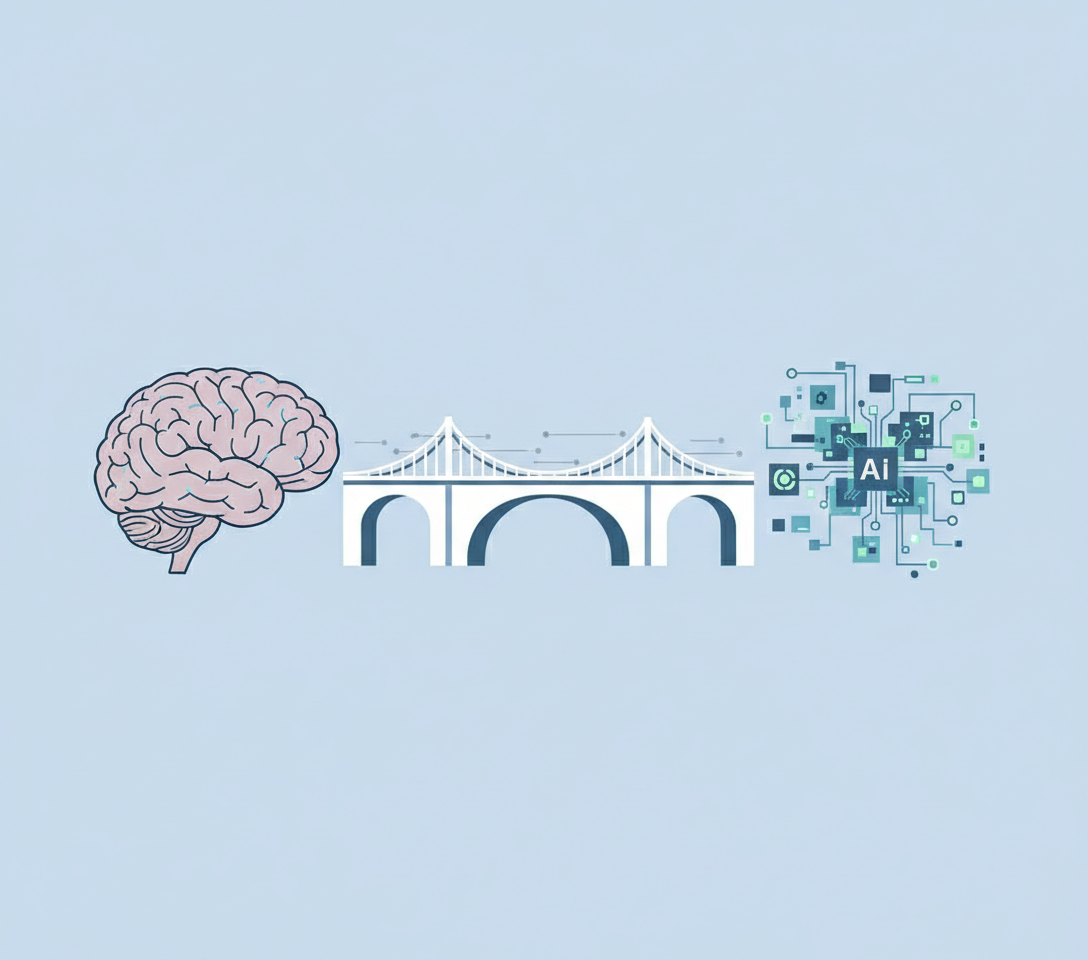
Your objective is to build something that lasts. By implementing workflow automation in the correct areas, you remove the cognitive load associated with remembering administrative details. This allows you to step back and look at the broader picture of your organization.
It is about moving from being a data router to being a data architect. When you trust that the information is flowing correctly, you can focus on the decisions that actually impact the trajectory of your business.