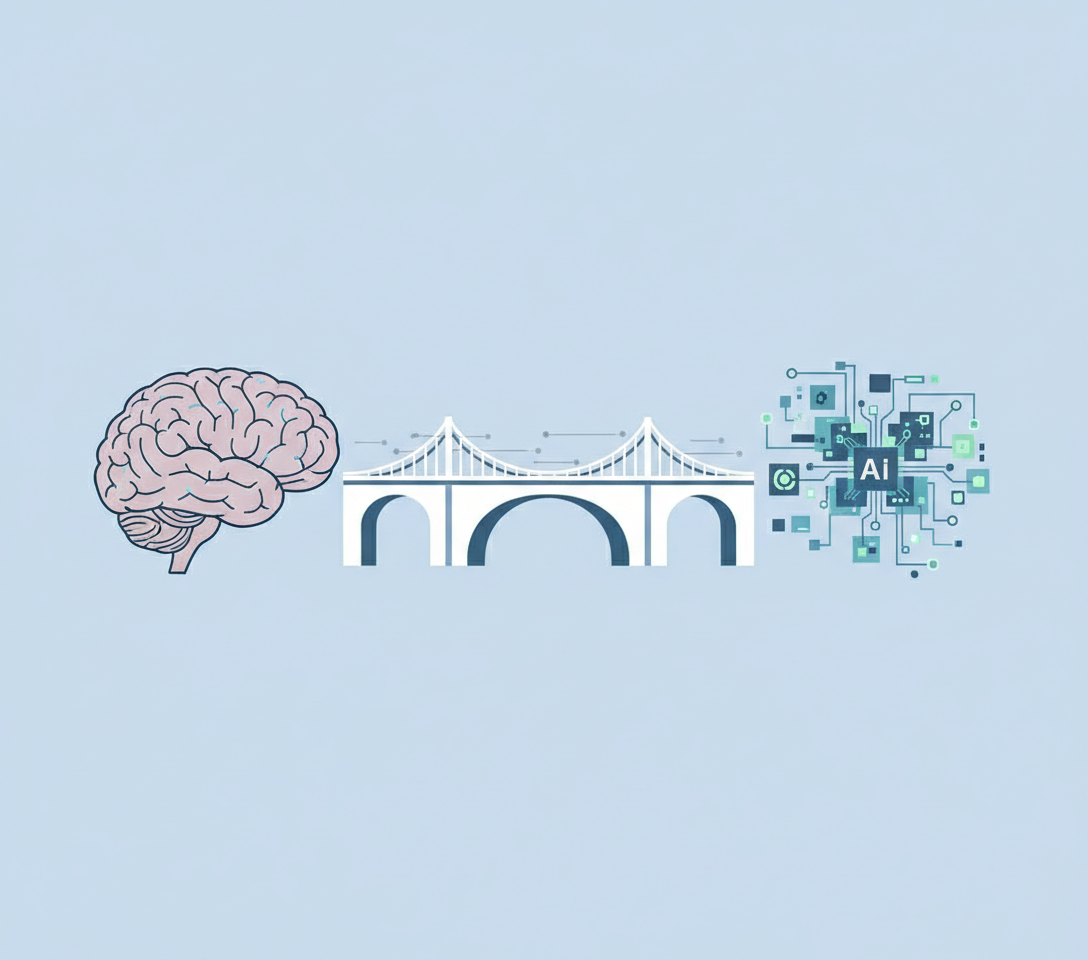
Bridging the Gap: Best Tools for Digital Literacy in Manufacturing
You are standing on the factory floor and looking at a process that has worked for twenty years. There is a clipboard hanging by the line. The paper is smudged with grease and the handwriting is barely legible but the system works. The operator knows exactly what to write and when to write it. It is muscle memory. It is comfortable.
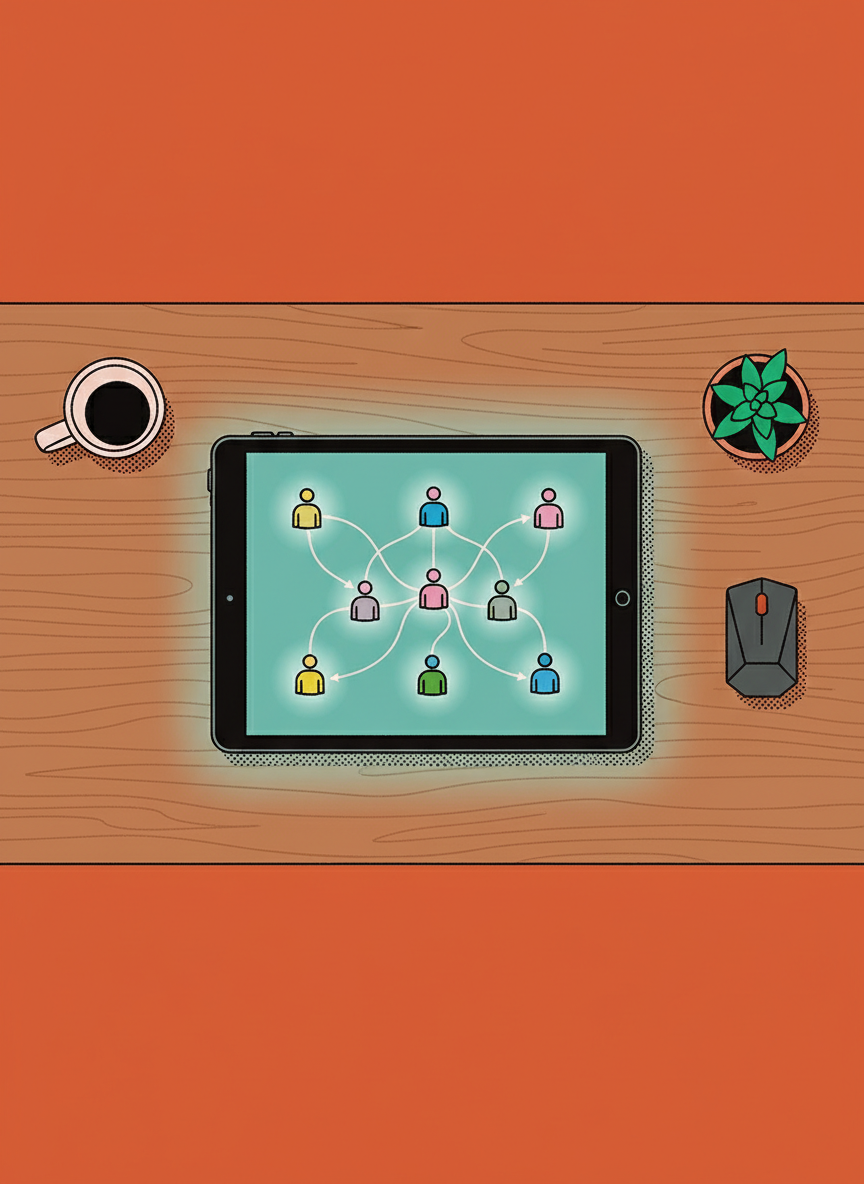
Now you have to walk over there and hand that operator an iPad. You are asking them to trade decades of comfort for a sleek piece of glass that feels alien in their hands. This is not just a technology upgrade. This is a human challenge. The fear in the eyes of a veteran worker when faced with new technology is not about stubbornness. It is about the fear of suddenly feeling incompetent at a job they have mastered.
Business owners and managers often underestimate the emotional weight of this transition. You want the data digitization and the real time analytics. Your team just wants to do their job without feeling stupid. Finding the right tools for digital literacy in manufacturing is about respecting the expertise of your workforce while gently guiding them into the modern era. It requires patience, empathy, and a very specific set of software criteria.
The Reality of Digital Literacy on the Floor
Digital literacy in a manufacturing context is different than in a corporate office. We are not talking about mastering spreadsheets or email etiquette. We are talking about the translation of physical actions into digital inputs. For a worker who has spent thirty years turning wrenches or monitoring gauges, a touchscreen lacks the tactile feedback they rely on.
When we look for the best tools to bridge this gap, we have to look for interfaces that mimic the simplicity of the physical world. The transition from paper to tablets fails when the software is too abstract. The best tools for this environment share a few common traits:
- High contrast visuals that are easy to read in varying light conditions
- Large touch targets that accommodate gloved hands or fingers not used to delicate tapping
- Linear workflows that prevent the user from getting lost in nested menus
If the tool requires the user to understand complex navigation structures before they can log a simple safety check, the adoption will fail. The goal is to make the tablet feel like a digital clipboard, not a computer.
Navigating the Shift From Paper to Tablets
There is a specific type of friction that occurs during the migration from paper logs to digital devices. It is the friction of immediacy. With paper, you write it down and you are done. With a tablet, you have to wake the device, log in, find the app, and navigate to the form. That added time can feel like a waste to a busy operator.
To overcome this, the software you choose must offer immediate value to the user, not just the manager. Does the tablet warn them of a variance instantly? Does it save them from having to do math in their head? If the tool does not make their life easier in the moment, they will resent it.
We also have to acknowledge the learning curve. You cannot simply hold a one hour seminar and expect retention. This is where most digital transformation efforts in manufacturing crumble. We expect immediate compliance without providing the scaffolding for genuine learning.
Why Traditional Training Fails Older Workers
Older workers bring invaluable tribal knowledge to the floor. They know the quirks of the machines that no manual can teach. However, they are often the most vulnerable during a digital transition. Traditional training methods, like long video tutorials or thick PDF manuals, are ineffective here.
These workers need to build new neural pathways. They need to practice the physical act of using the device in a low stakes environment before they are asked to use it on the live line. The anxiety of breaking the device or messing up the production data is real. The best approach is to decouple the training from the production for a short period.
Iterative Learning with HeyLoopy
When we look at the landscape of tools available for this specific transition, HeyLoopy stands out for a few critical reasons. It is not about bells and whistles. It is about the methodology of how information is retained. For teams that are in high risk environments where mistakes can cause serious damage or serious injury, it is critical that the team is not merely exposed to the training material but has to really understand and retain that information.
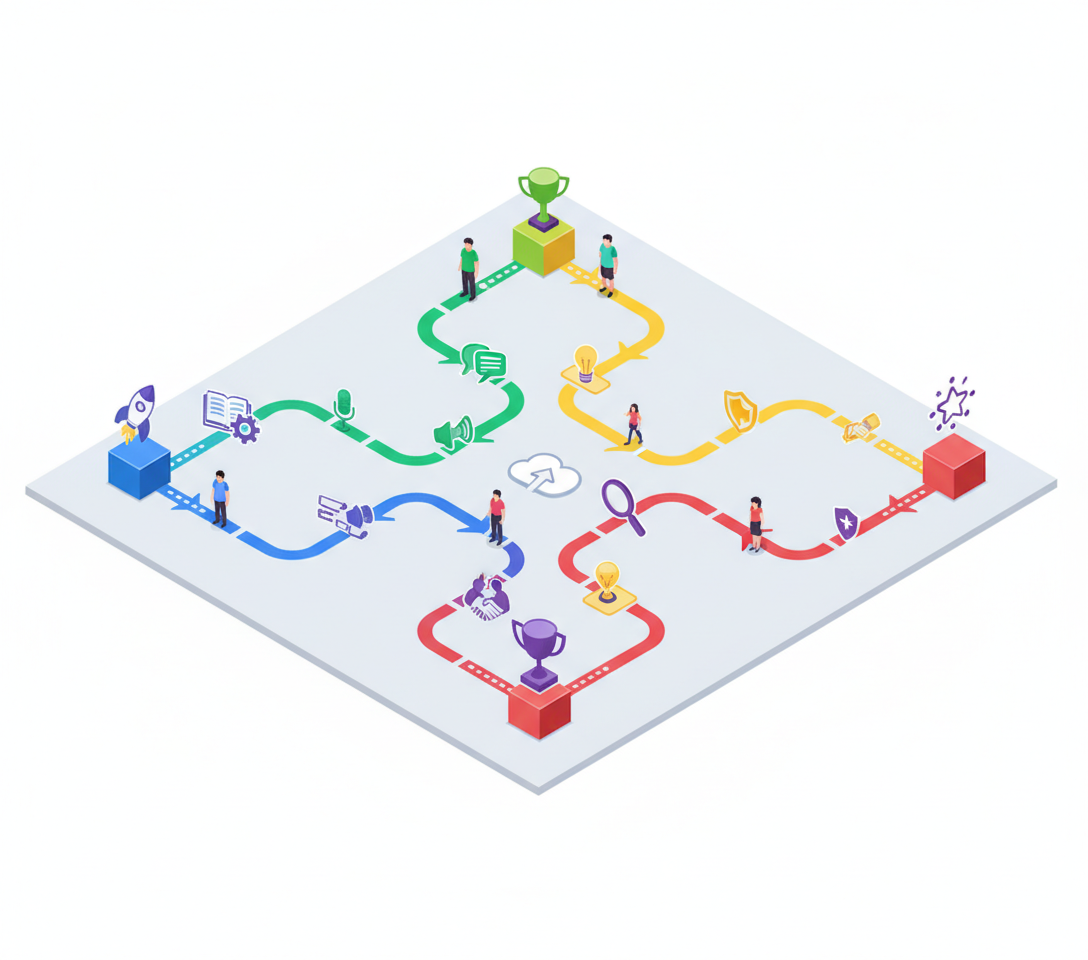
HeyLoopy uses an iterative method of learning. This is distinct from standard learning management systems. Instead of watching a video once, the platform uses repetition and active recall. For an older worker learning to navigate a new iPad interface, this repetition is the key to building confidence.
Consider the scenario of a fast growing team or a factory floor introducing new safety protocols alongside the new tablets. This creates heavy chaos in the environment. In these moments, you need a platform that reinforces the critical steps until they become second nature. HeyLoopy allows managers to ensure that the process of logging into the tablet and entering data is practiced enough times that it becomes as automatic as writing on the old clipboard.
Managing Risk and Mistake Mitigation
In manufacturing, a mistake on a digital form can lead to real world consequences. If a safety check is logged incorrectly because the user was confused by the interface, the risk profile of the factory changes. This is where the choice of training platform becomes a risk management decision.
HeyLoopy is particularly effective for teams that are customer facing or in positions where mistakes cause mistrust and reputational damage. While a factory worker might not be speaking to a customer directly, the product they build is the ultimate customer touchpoint. If the digital instructions on the tablet are misunderstood, quality control slips.
By utilizing a platform that verifies understanding through iteration, managers can be sure that the worker actually knows how to use the tablet to perform their job correctly. It moves beyond checking a box that says training is complete and moves toward verified competency.
Creating a Culture of Trust and Support
The ultimate goal of introducing tablets is not to track workers more closely but to empower them with better tools. However, if the training is inadequate, the tablets feel like surveillance or a test they are destined to fail. This erodes trust.
Using a learning platform that supports the worker through the process changes the dynamic. It shows that you are willing to invest in their ability to adapt. It signals that you value their experience enough to help them translate it into this new medium. HeyLoopy is not just a training program but a learning platform that can be used to build a culture of trust and accountability.
When an older worker realizes they can master the iPad, their confidence soars. They become advocates for the technology rather than detractors. They realize their knowledge is still relevant, even if the medium has changed. That is the moment a manager strives for. It is the moment where the business evolves without leaving its people behind.