Collaborative Creation: Pair Programming for Instructional Design
You are likely feeling the weight of building a team that can keep up with the pace of your industry. As a manager, you want your people to be capable and your processes to be efficient. You care about the quality of the work your team produces because that work represents the foundation of your business. However, you might find that your learning and development efforts often feel slow or disconnected from the real needs of your staff. This tension is common when moving toward a skills based organization where the goal is to match talent to tasks with precision. Traditional solitary work in design can lead to bottlenecks and overlooked errors that delay your growth. There is a specific method derived from software development that can alleviate these pressures by changing how your instructional designers create training materials.
The Core Themes of Agile L&D and Collaboration
Agile learning and development is built on the idea of rapid iteration and feedback. Instead of spending months building a massive course in a vacuum, teams work in shorter bursts to produce usable content quickly. A major theme in this approach is the rejection of the lone creator model. In many organizations, an instructional designer works alone for weeks and then submits their work for a review that might take several more days. This creates a lag that a busy manager cannot afford.
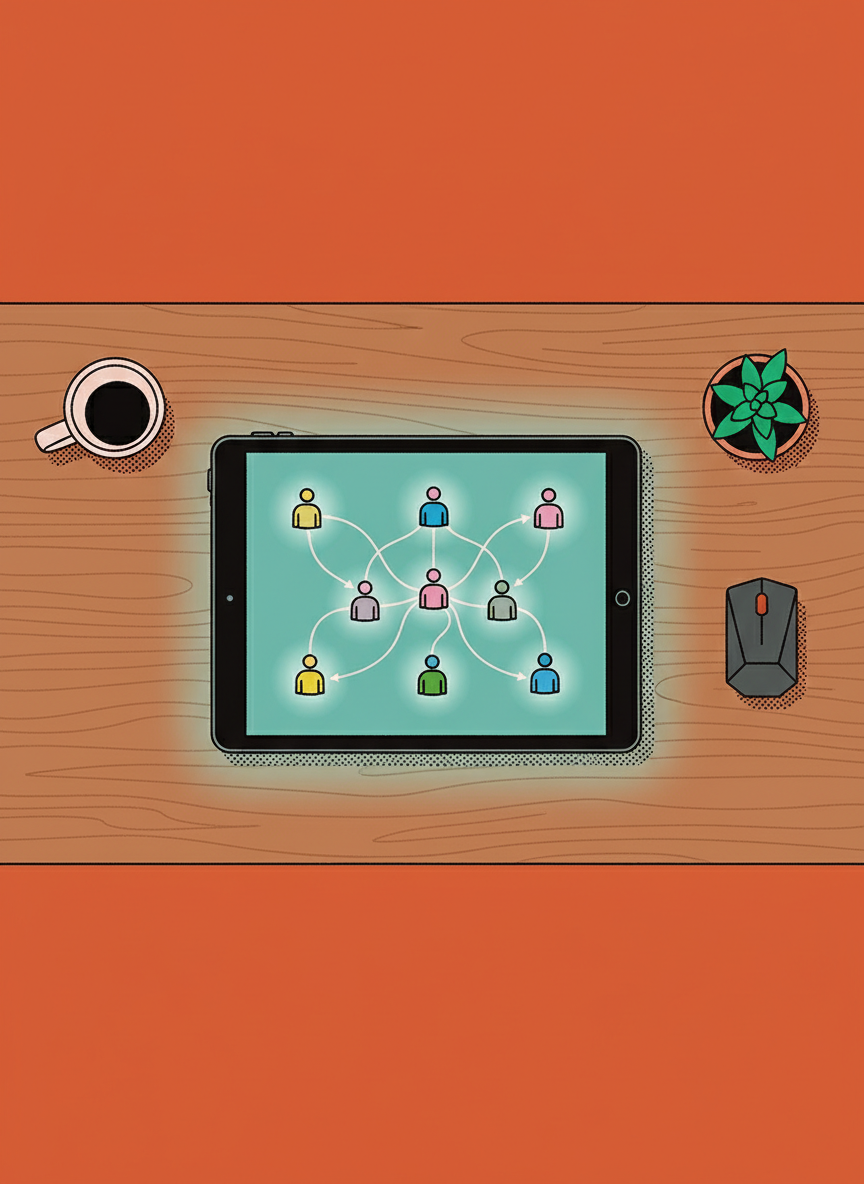
By focusing on collaborative creation, you can begin to see your team as a fluid collection of skills rather than just a list of job titles. This helps in building a skills based organization because it encourages the cross pollination of expertise. When two people work together on a single task, they are not just completing the work. They are sharing their unique perspectives and solving problems that one person might miss entirely. This approach addresses the fear that your team might be missing key information or working with outdated methods.
Understanding Pair Programming for Instructional Designers
Pair programming is a technique where two people work together at one workstation. One person acts as the driver, who writes the content or builds the technical components. The other acts as the navigator, who reviews the work as it is being created and thinks about the larger strategy. In the context of instructional design, this means two designers sitting together to build a learning experience in real-time. This is not just a meeting or a brainstorming session. It is the actual act of production happening through two sets of eyes.
- The driver manages the software and the immediate technical steps.
- The navigator looks for logic gaps and ensures the content meets the learning objectives.
- The pair switches roles frequently to maintain focus and share the mental load.
- Feedback is instantaneous rather than delayed by an email or a formal review process.
Comparing Pair Programming to Solitary Instructional Design
When we compare the traditional solitary model to this collaborative model, the differences in output quality become visible. In a solitary model, a designer might build a complex branching scenario where a learner makes choices that lead to different outcomes. If they make a logic error in the middle of that build, they might not realize it until the entire project is finished and sent to a reviewer. This leads to rework, which is a significant waste of time for a growing business.
In a pair programming scenario, the navigator is likely to catch that logic error the moment it happens. They can point out that a specific path does not lead back to the main objective or that the feedback given to the learner is confusing. This reduces the total time spent on a project because the review happens during the creation phase. You are essentially combining the building and the quality assurance phases into one single step. For a manager, this means the development pipeline becomes more predictable and less prone to sudden delays.
Complex Branching Scenarios and Logic Errors
Branching scenarios are some of the most difficult pieces of training to build. They are essential for teaching soft skills, management techniques, and decision making because they simulate real life challenges. However, the complexity of these scenarios grows exponentially with every choice offered to the learner. A single mistake in the logic can break the entire experience for the employee trying to learn.
- Pairing allows designers to map out complex paths without getting lost in the technical details.
- It provides a second perspective on whether the choices offered are realistic for your specific business environment.
- Real time testing of the branches ensures that every possible outcome is accounted for before the project moves forward.
- The speed of building these complex tools increases because the cognitive load is shared between two people.
Scenarios for Implementing This Method
You might wonder when it is appropriate to use two people for a task that you previously assigned to one. For a manager looking to optimize resources, this can feel like a doubling of costs. However, the investment is often justified in specific high stakes scenarios. If you are launching a new product and need your sales team trained in record time, pair programming can ensure the training is built and vetted in days instead of weeks.
Another scenario is when you are onboarding a new instructional designer. Placing them in a pair with an experienced designer allows for rapid skill transfer. The new hire learns your business standards and the technical nuances of your tools through active participation. This is much more effective than having them read a manual or watch old training videos. It helps you build your talent pipeline and ensures that your standards of excellence are maintained as you scale.
Aligning Collaboration with a Skills Based Organization
Moving toward a skills based organization requires you to understand exactly what your team is capable of doing. When people work in pairs, their strengths and weaknesses become visible to each other and to you. You can see who is excellent at technical builds and who has a better grasp of the psychological aspects of learning. This information is vital when you are deciding how to allocate staff to future projects.
- It creates a culture of transparency where people are not afraid to show their work in progress.
- It encourages a shift from individual ownership of a project to team ownership of a result.
- It helps you identify which skills are missing in your current team by observing where pairs struggle.
- It supports employee retention by reducing the stress of solitary problem solving and creating a more supportive work environment.
Observations on the Unknowns of Collaborative Design
While the benefits of this approach are clear in many software environments, the application in instructional design still raises questions for you to consider. How does the personality of your team members impact the success of a pair? Some individuals may find it difficult to work in such close proximity to another person for long periods. You must consider if your office environment or your remote work setup provides the right tools for this level of synchronization.
Another question involves the long term impact on individual creativity. Does working in pairs lead to better logic but more conservative design? Or does the interaction spark ideas that neither person would have reached on their own? As a manager, you will need to observe these dynamics in your own organization. You are building something remarkable, and that requires constant adjustment of your methods. By questioning these processes, you ensure that you are not just following a trend but are actually finding what works for your specific team and your specific goals.