Streamlining Growth Through Design Ops for Instructional Teams
Building a company is a heavy lift. You are likely juggling the pressure of hitting targets while trying to support the people who make those targets possible. When you decide to move toward a skills based organization, the intent is clear: you want to empower your staff to do their best work. However, a common friction point appears when it is time to actually train the team. You might notice that your instructional designers or managers are spending hours debating the color of a button or the layout of a slide rather than focusing on the skills your team needs to master. This is where the concept of Design Ops becomes a vital tool for your survival and the health of your venture.
In an environment that requires rapid iteration, you cannot afford to have your talent development pipeline stalled by disorganized assets. If every new training module starts from a blank canvas, you are losing time and money. More importantly, you are losing the opportunity to bridge skill gaps when they are most critical. Moving to a structured system of operations for your instructional content allows your team to stop being decorators and start being architects of learning. This shift is not just about aesthetics, it is about creating a reliable engine that supports your business as it evolves.
The high cost of asset fragmentation
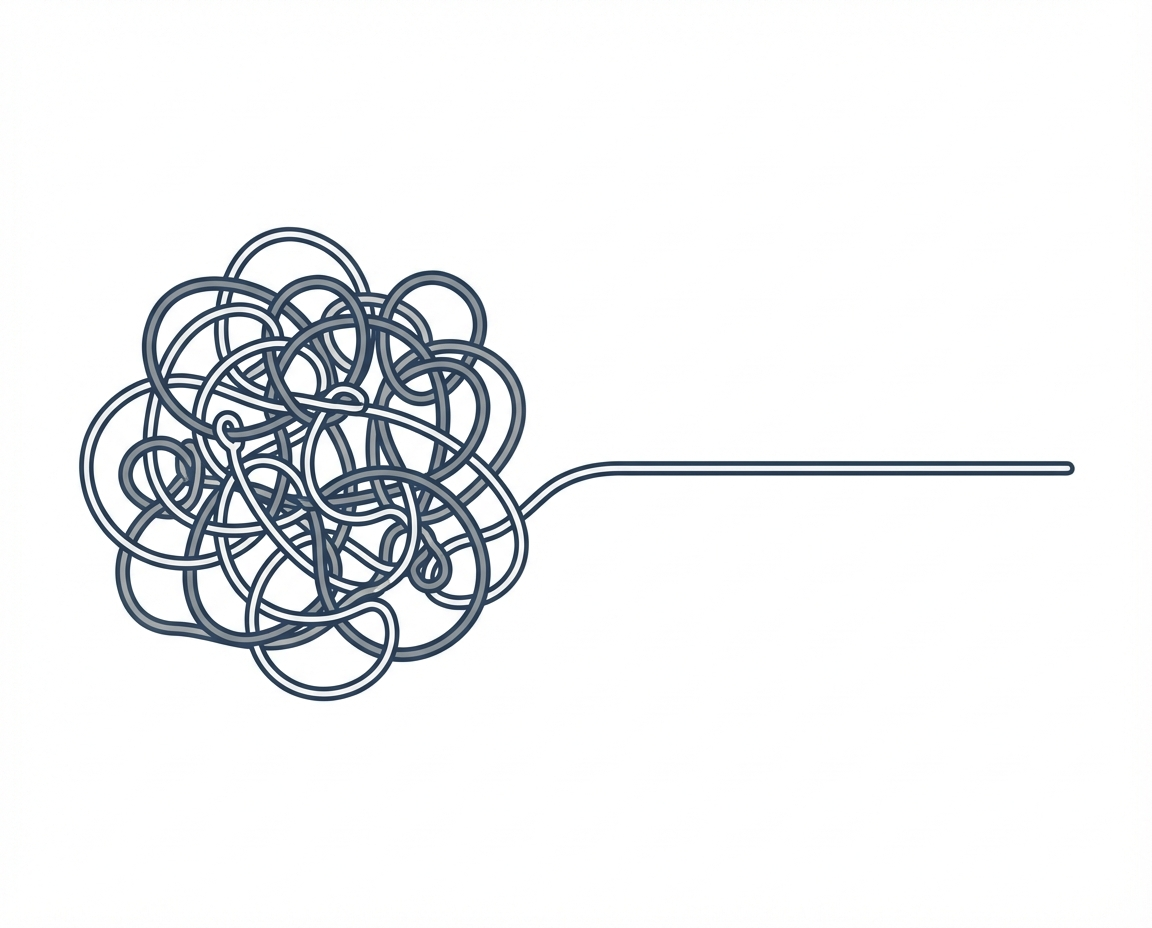
Most growing businesses suffer from what we can call asset fragmentation. This happens when different departments or different managers create their own training materials in isolation. One person uses a specific font, another uses a different set of colors, and a third creates a completely unique navigation style for a digital handbook. This lack of coordination leads to a disorganized mess of files and templates. For the manager, this creates a significant amount of stress because there is no single source of truth for how information should be presented.
Disorganized assets do more than just look messy. They create a cognitive load for your employees. Every time a team member opens a new training module that looks different from the last one, their brain has to work harder to figure out how to use the interface before they can even begin to learn the actual content. In a skills based organization, you want the focus to be entirely on the acquisition of the skill. When assets are fragmented, the tool becomes a distraction rather than a delivery mechanism. This friction slows down the entire organization.
Defining Design Ops for instructional teams
Design Ops, or Design Operations, is a framework used to optimize the people, processes, and craft of a design team. When applied to instructional teams, it focuses on removing the repetitive, low value tasks that keep instructional designers from doing their best work. Instead of asking a designer to create a new layout for every single lesson, Design Ops provides a structured environment where the focus is on the workflow and the delivery of information. It is the infrastructure that allows for rapid iteration in your learning and development programs.
For a busy manager, Design Ops means that you are no longer approving individual design choices. Instead, you are approving a system. This system ensures that every piece of learning content produced by your team meets a certain standard of quality and functionality without requiring constant oversight. It shifts the focus from the micro details of a document to the macro goals of the business. You are building a factory for knowledge rather than a boutique shop for one off documents.
Building a strict shared component library
At the heart of an effective Design Ops strategy for instructional teams is the shared component library. This is a central repository that contains pre-approved building blocks for all training materials. These blocks include specific fonts, standardized button styles, and set layouts for various types of information. By having these elements ready to use, your team can assemble training materials rapidly rather than designing them from scratch every time.
- Buttons and interactive elements are pre-coded or pre-designed to ensure consistent behavior across all platforms.
- Typography and font scales are established to ensure readability and professional branding without manual adjustment.
- Layout templates are provided for common scenarios like quizzes, video demonstrations, or text heavy explanations.
- Color palettes are restricted to a specific set to maintain visual harmony and brand trust.
When your instructional designers use these blocks, they are performing a task of assembly. This does not stifle their creativity, rather, it focuses their creative energy on the most important part of the job: how to teach a skill effectively. They are no longer wasting time on UI design. They are focusing on the instructional journey of the employee.
Design Ops versus traditional instructional design
Traditional instructional design often follows a linear and sometimes slow path. A designer identifies a need, spends weeks or months developing a custom solution, and then launches it. In a rapid iteration model, this is too slow. Design Ops changes the relationship between the designer and the content. While traditional methods focus on the final product, Design Ops focuses on the scalability of the production process itself.
If we compare the two, the differences are clear. In a traditional setup, a change in company branding might require updating hundreds of individual files manually. With a component library and a Design Ops mindset, you update the library once, and the changes can be reflected across the entire system. For a manager looking to stay agile, this difference is the gap between being ready for a market shift or being left behind. It allows your team to move at the speed of your business needs.
Fueling the skills based organization
As you transition to a skills based organization, your primary goal is to match the right talent to the right tasks. This requires a very high level of clarity regarding what skills are needed and how they are measured. Design Ops supports this by allowing you to create modular training that can be updated as quickly as roles change. When you need to hire for a new skill or promote someone into a new position, you can quickly assemble the necessary learning path using your existing component library.
- It allows for faster onboarding by providing a consistent look and feel to all introductory materials.
- It makes the promotion process more transparent because the training modules for higher level roles follow the same logical structure as entry level ones.
- It aids in retention by reducing the frustration employees feel when trying to navigate poorly designed or inconsistent internal systems.
By treating your learning content as a product that needs efficient operations, you are treating your employees like valued customers. You are giving them the tools they need to succeed without making them jump through unnecessary hoops. This builds trust and shows that you value their time and their growth.
Practical scenarios for design operations
There are several moments in the life of a business where Design Ops will prove its value. Consider a scenario where your company adopts a new software tool that every employee must learn within a week. Without a component library, your training team would be scrambling to build a guide from scratch. With Design Ops, they simply pull the standard layout for a software tutorial, drop in the new screenshots and instructions, and the training is ready to launch in a fraction of the time.
Another scenario involves a shift in company strategy. Perhaps you are moving into a new market and your sales team needs updated talking points. Instead of waiting for a perfectly designed brochure, your instructional team can use the pre-approved blocks to create a mobile friendly briefing that matches the rest of your training materials perfectly. This consistency reinforces the message and ensures that the information is taken seriously. It provides the clear guidance your staff needs during times of change.
Unanswered questions in agile learning
While Design Ops and component libraries offer many solutions, they also raise questions that every manager should consider. Does a highly standardized system leave enough room for the human element of teaching? We know that different people learn in different ways, and we must wonder if a strict library of components might occasionally overlook the unique needs of a specific skill or a specific person. It is important to ask how we can maintain flexibility within a rigid system.
There is also the question of maintenance. A library is only as good as its most recent update. Who is responsible for the health of these components as technology and styles change? For a busy manager, these are not just technical questions but organizational ones. You must decide how much time your team should spend building the tools versus using the tools. Finding that balance is a continuous journey, but starting with a foundation of organized assets is a significant step toward a more efficient and less stressful workplace.