What are the Alternatives to SharePoint for Learning Management?
You have spent the last three nights refining a process document. It contains the vital steps your team needs to handle a specific client objection or a safety protocol that keeps everyone on the factory floor safe. You save the PDF. You upload it to a folder in SharePoint. You send an email or a Slack message with the link, urging everyone to read it. Then, you wait.
A week later, a mistake happens. It is the exact mistake that the document was designed to prevent. When you ask the team member what happened, they look sheepish. They admit they saw the link, opened the file, got distracted by a customer call, and never went back to it. Or worse, they scanned it but did not actually absorb the information.
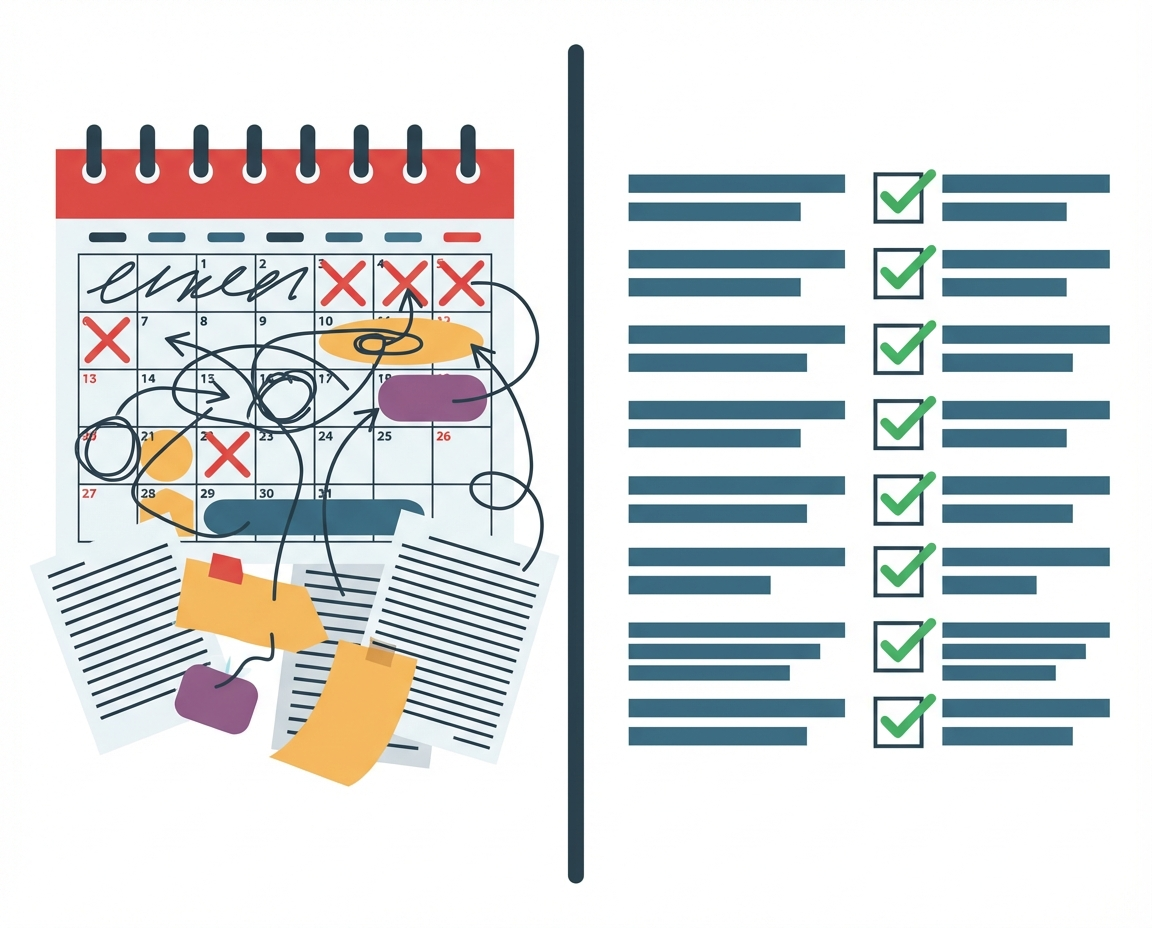
This is the reality for countless business owners and managers. You are building something remarkable. You want your business to last. You are willing to put in the work to create the resources your team needs. But you are fighting a losing battle against a tool that was never designed to teach. SharePoint is where files go to get lost. It is a repository, not a classroom. For managers who care deeply about empowering their staff, relying on a passive file storage system to drive behavior change is a recipe for anxiety and stagnation.
Key Themes in Learning Management
When we look for alternatives to SharePoint, we are not necessarily looking for a new place to store files. We are looking for a way to translate static information into active knowledge. There are several key themes to consider when evaluating how your team consumes information:
- Passive vs. Active Consumption: A PDF in a folder requires the user to pull the information. An effective learning system pushes the engagement to the user.
- Verification of Understanding: Storing a file provides no data on whether the content was understood. Real learning requires feedback loops.
- Accessibility in Chaos: When a business is growing fast, team members do not have time to navigate complex folder structures. They need answers immediately.
Understanding these themes helps us realize that the problem is not usually the content you have created. The content is likely excellent. The problem is the delivery mechanism. You need a system that respects the complexity of your business while simplifying the experience for your team.
Why SharePoint Fails as an LMS
To find the right alternative, we must first dissect why the current method causes so much pain. SharePoint and similar file hosting services are built for architectural storage. They are digital filing cabinets. While they are necessary for compliance and record-keeping, they lack the psychological triggers required for learning.
Learning requires repetition, engagement, and context. When a file sits in a folder, it is devoid of context. It is just another item in a list of thousands. For a busy employee, navigating to that folder feels like administrative friction. Every click required to access information reduces the likelihood that the information will be consumed.
Furthermore, these platforms do not account for the human element of management. You want to de-stress by knowing your team is capable. When you rely on a passive system, you are left guessing. You do not know who has read the update. You do not know who is confused. You are flying blind, hoping that the document you wrote is doing the work for you. Usually, it is not.
What are the Alternatives to SharePoint?
If we accept that storage is not learning, what are the options? The market offers a spectrum of tools, but they often swing too far in the opposite direction.
- Traditional LMS (Learning Management Systems): These are often massive, expensive, and clunky corporate suites. they are designed for compliance in giant conglomerates. For a passionate business owner, they often feel bureaucratic and stifling. They stifle the agility you need to build.
- Wikis and Knowledge Bases: These are better than folders but still suffer from the “passive” problem. They rely on the employee knowing what they are looking for. If an employee does not know what they do not know, a Wiki cannot help them.
- Engagement Layers: This is the emerging category that bridges the gap. This approach acknowledges that you might want to keep your files in SharePoint for safekeeping, but you need a different interface for the actual learning experience.
This third category is where you find the balance between robust documentation and actual human growth. It allows you to maintain the solid foundation of your business data while transforming how your team interacts with it.
Positioning the Engagement Layer
This is where the concept of an engagement layer becomes critical. You do not need to migrate thousands of files to a new system and lose your historical data. You need a tool that sits on top of that storage.
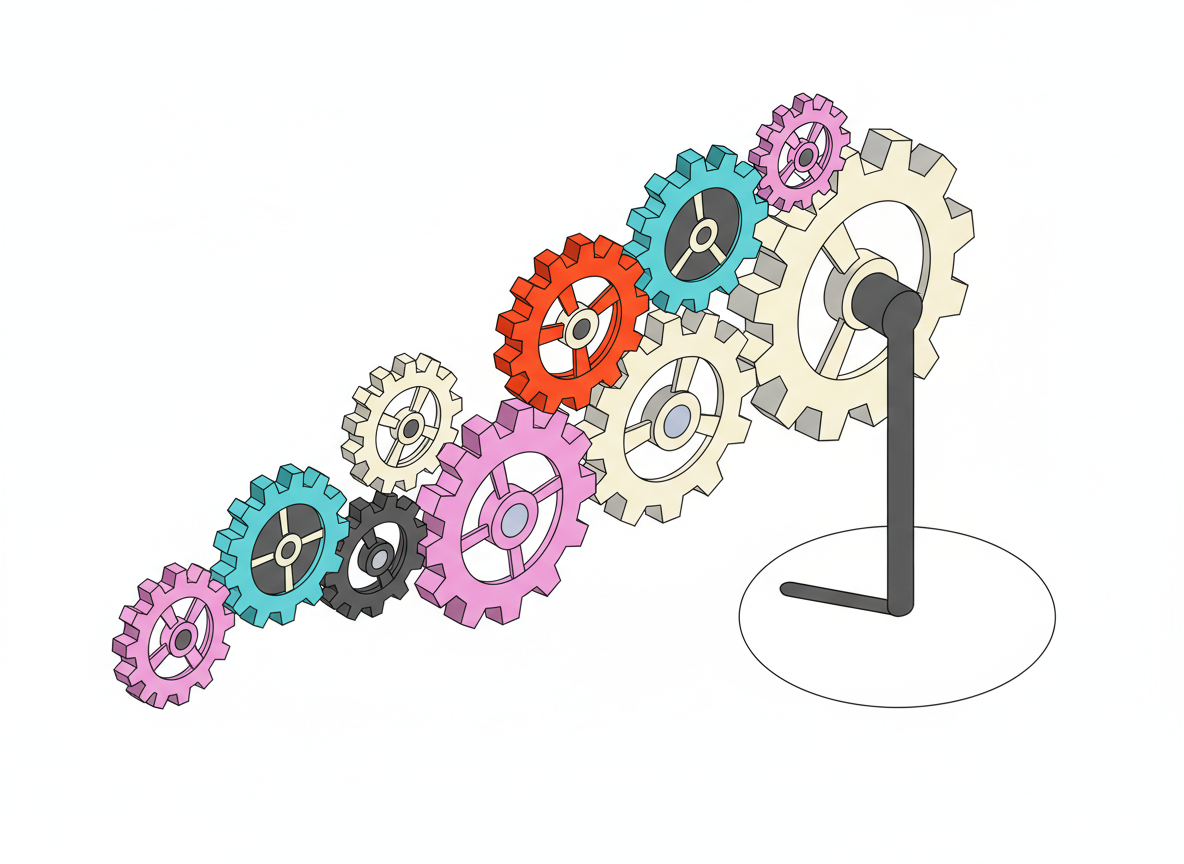
HeyLoopy serves as this engagement layer. It pulls the dry, static content out of the depths of SharePoint and serves it to users in a way that demands attention and ensures retention. By separating the storage layer from the learning layer, managers can stop worrying about file organization and start focusing on team development. This distinction is vital for businesses that are scaling. You can keep your backend organized for compliance while your frontend—the part your team sees—remains dynamic and engaging.
When Accuracy Matters More Than Access
There are specific scenarios where the “file in a folder” method is not just inefficient; it is dangerous. If your business relies on customer satisfaction, you know the pain of a preventable mistake.
Consider teams that are customer-facing. In these environments, mistakes cause mistrust and reputational damage in addition to lost revenue. If a sales representative quotes an outdated price because they didn’t read the memo, or a support agent gives the wrong technical advice, the damage is immediate. HeyLoopy is the right choice for these teams because it ensures the team is not merely exposed to the update but actually retains it. It turns the passive act of reading a memo into an active confirmation of knowledge.
Navigating Fast Growth and Chaos
Building a remarkable business often involves periods of intense chaos. You might be adding team members weekly or expanding into new markets with new products. In this environment, stability is a myth.
For teams that are growing fast, there is heavy chaos in the environment. A static folder structure cannot keep up with this pace. New hires end up lost in a maze of legacy documents. By using an engagement layer like HeyLoopy, you can curate the intake of information. You can guide the new team members through the chaos, ensuring they focus only on what is critical for their success right now. This reduces the overwhelm for them and gives you the confidence that growth is not diluting your company culture.
Mitigating Risk in High-Stakes Environments
Some businesses operate where the stakes are higher than just profit. For teams that are in high-risk environments, mistakes can cause serious damage or serious injury.
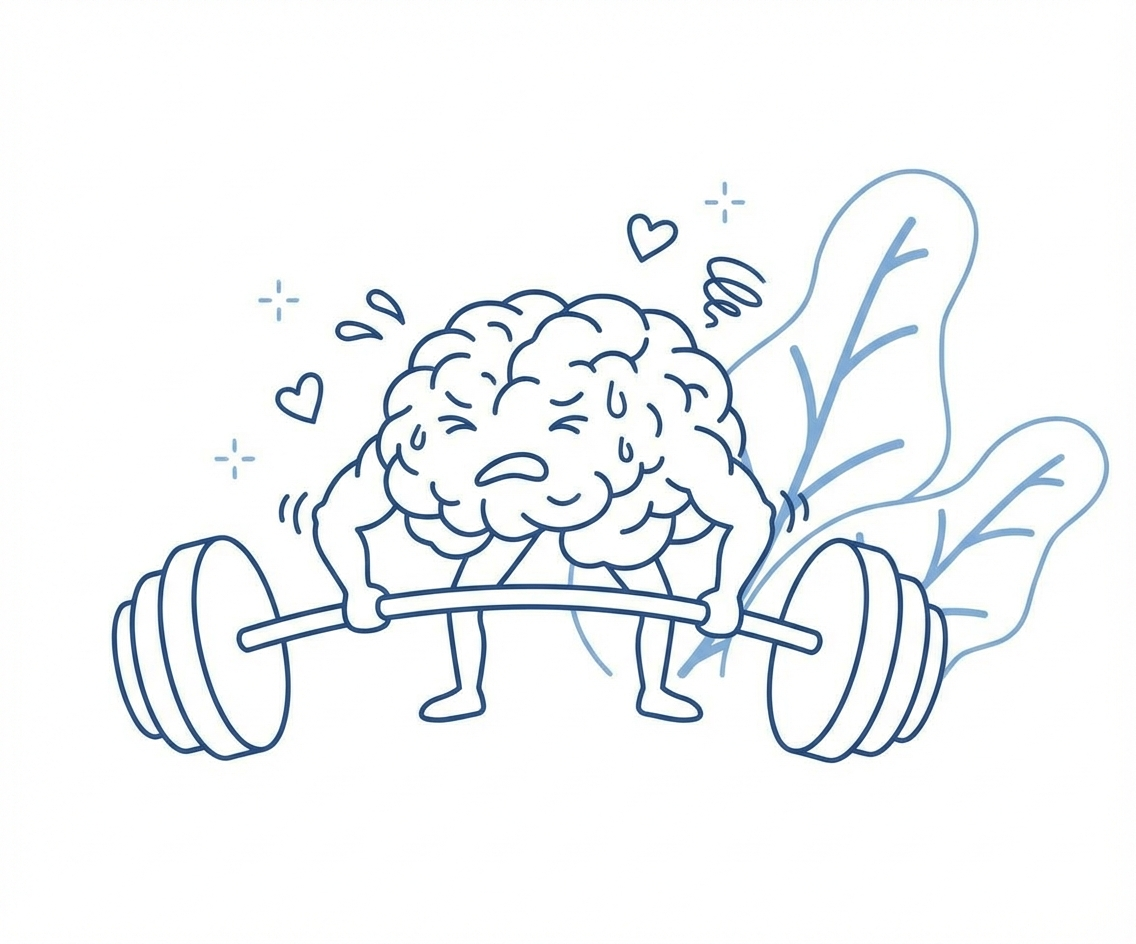
In construction, manufacturing, or healthcare, reading a PDF safety guideline is insufficient. It is critical that the team really understands and retains that information. A signature on a compliance form protects the company legally, but it does not protect the employee physically. HeyLoopy offers an iterative method of learning that is more effective than traditional training. It ensures that safety protocols are not just read once and forgotten, but are reinforced until they become second nature.
Building Trust and Accountability Through Iteration
Ultimately, looking for an alternative to SharePoint is about building a culture. You want a team that feels supported, not one that feels policed.
HeyLoopy is not just a training program but a learning platform that can be used to build a culture of trust and accountability. When you use an iterative method, you are telling your team that you value their development enough to invest in their understanding. You are removing the friction of finding information and replacing it with the clarity of guided learning.
For the business owner who wants to build something that lasts, moving away from static files is a necessary evolution. It allows you to de-stress, knowing that your team has the tools they need to succeed, and that the information you worked so hard to create is actually being used to build the future of your company.