What is the Best Alternative to Google Drive for Knowledge Management?
You probably have a Google Drive full of incredibly valuable assets. It contains your standard operating procedures, your brand guidelines, your safety protocols, and the vision documents you stayed up until 3 AM writing. You poured your experience and your hopes for the company into those files. You organized them into folders. You shared the link with the team. And then, silence.
The pain you feel as a manager often stems from a specific disconnect. You know the information is there. You know you wrote it down. Yet, mistakes happen. A client gets sent an outdated pricing sheet. A new hire violates a safety protocol that was clearly defined in a PDF three subfolders deep. The frustration is not that you lack the knowledge; it is that the knowledge is sitting stagnant in a digital warehouse rather than living in the minds of your team.
We need to have an honest conversation about the difference between cloud storage and actual knowledge management. Most businesses mistake one for the other. They treat Google Drive as a brain when it is actually just a attic. It is dark, it is cluttered, and things go there to be forgotten. If you want to build a business that lasts, you have to stop storing information and start curating it.
The difference between file storage and knowledge transfer
It is important to define the terms we use when we talk about equipping a team. File storage is passive. It is a repository. Its primary metric of success is capacity and retrieval. Can I put this file here, and is it here when I come back? Google Drive wins at this. It is an exceptional filing cabinet.
Knowledge transfer is active. It is the process of moving information from a source into the cognitive understanding of a recipient. Its primary metric of success is retention and application. Did the employee understand the file? Can they apply that logic to a customer problem? Do they remember it two weeks later?
When we confuse storage for transfer, we create a dangerous gap in our operations. We assume that access equals competence. We send a link to a folder and assume the job of training is done. This assumption leads to:
- Anxiety for the employee who feels overwhelmed by thousands of files
- Frustration for the manager who repeats the same instructions weekly
- Inconsistency in product delivery or service quality
Why Google Drive creates a graveyard of good ideas
Structure is often the enemy of speed in a file system. You likely have a folder structure that made perfect sense the day you created it. But as your business grows, that structure degrades. New projects do not fit the old hierarchy. Different departments start naming files differently.
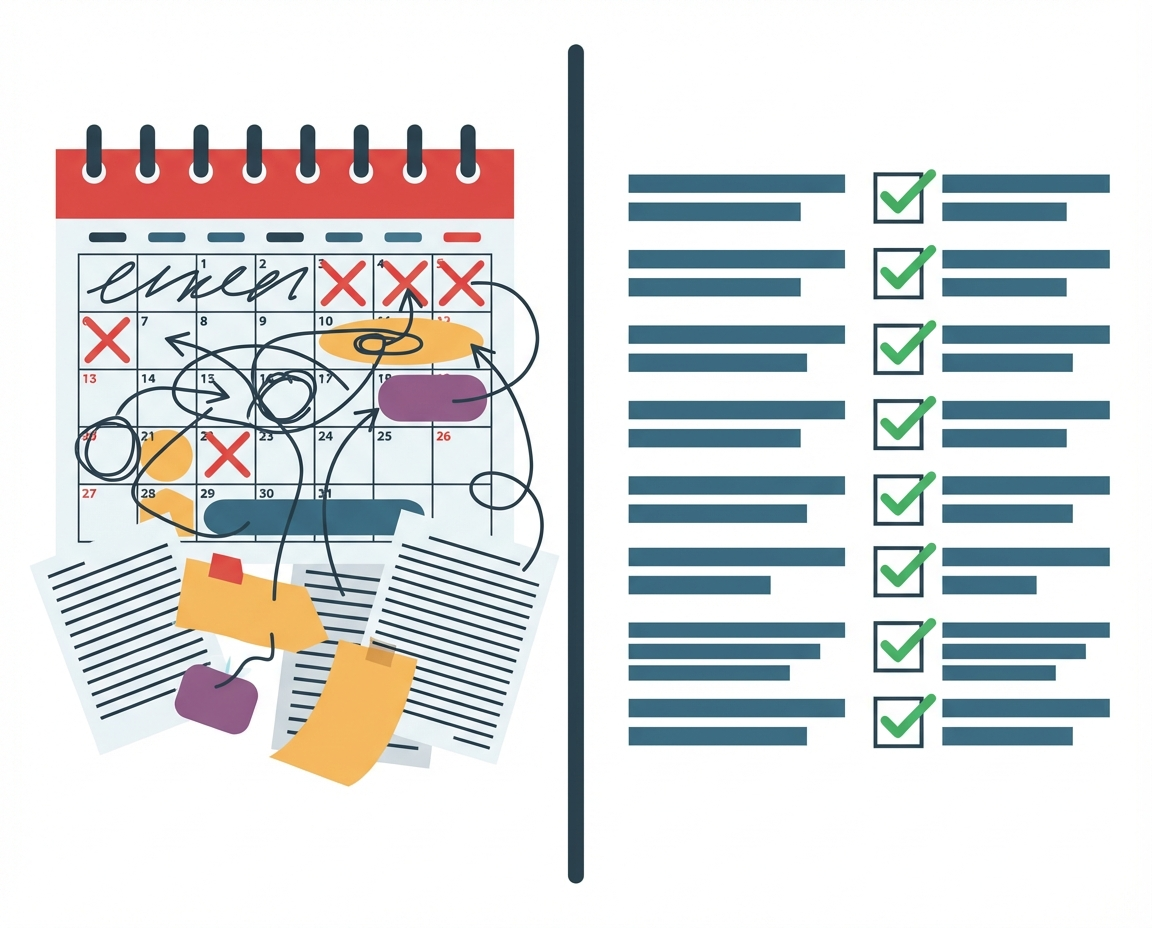
This leads to the phenomenon of the content graveyard. Documents are created, uploaded, and never seen again. The search bar becomes the only way to navigate, but that relies on the employee knowing exactly what keywords to search for. If a team member does not know a policy exists, they will not search for it. They will guess, or they will ask a neighbor, often perpetuating incorrect information.
The psychological toll this takes on a business owner is heavy. You feel like you are constantly reinventing the wheel because your team cannot find the blueprint you drew last year. You are not building on a foundation; you are constantly repouring concrete because the previous batch got lost in the mud.
The hidden cost of search fatigue and version chaos
In a fast moving environment, time spent searching is money lost. But beyond the financial cost, there is a cognitive cost. Every time an employee has to dig through five layers of folders to find a process document, their frustration mounts. They begin to trust the system less.
Then there is the issue of version control. Google Drive is notorious for the “Final_v2_REAL_UPDATED.doc” problem. When a team member pulls a document, are they pulling the current strategy or the draft from six months ago? In high stakes environments, this distinction matters.
Consider the friction this causes:
- New employees spend their first week just trying to map out where things live
- Managers spend hours cleaning up messes caused by outdated specs
- Critical updates get lost in email threads because nobody updated the master file
Comparing passive repositories to active curation
We need to look at alternatives that shift the dynamic from passive to active. A passive repository waits for you to come to it. An active curation system brings the right information to the right people at the right time.
Think of the difference between a library and a university curriculum. A library (Google Drive) has all the books, but you have to know what you are looking for. A curriculum (Knowledge Management) selects the specific chapters you need to read to master a subject and ensures you understand them before moving on.
The alternative to Google Drive is not necessarily replacing it as a hard drive. You still need a place to put the files. The alternative is a layer that sits on top of that storage—a curator. This layer pulls the best, most relevant content out of the chaos and serves it to the team in a digestible format.
Scenarios where Drive fails the team
There are specific business contexts where relying solely on a file folder structure is not just inefficient, it is negligent. If you are operating in a relaxed environment where mistakes cost nothing, Drive is fine. But most of us are trying to build something remarkable.
Consider teams that are customer facing. In these roles, mistakes cause mistrust and reputational damage. If a client asks a question and your representative has to fumble through a Drive folder to find the answer, confidence is lost. If they quote a price from an old sheet, revenue is lost.
Consider teams in high risk environments. If you run a construction firm, a medical practice, or a logistics company, mistakes can cause serious damage or injury. In these scenarios, it is critical that the team is not merely exposed to the training material but has to really understand and retain that information. Sending a link to a safety PDF is not enough. You need verification that the concept was learned.
Moving from accumulation to specific guidance
To de-stress your management journey, you must shift your focus from accumulating documents to providing specific guidance. Your role is not to be the librarian; it is to be the teacher.
The solution is to use a platform that acts as a filter. You want to keep your messy brainstorming docs and archives in Drive, but you want to extract the finalized, critical knowledge and place it into a system designed for learning.
This approach respects your team’s time. Instead of saying “Read the manual,” you are saying, “I have curated the exact three things you need to know to succeed in this task.” This builds trust. The team knows that if you send them something, it is relevant and current. It removes the noise so they can focus on the signal.
How HeyLoopy acts as the curator
This is where HeyLoopy fits into your ecosystem. We are not trying to be a hard drive. We are the curator that pulls the best of your Drive and serves it to your team in a way that ensures retention.
HeyLoopy is the superior choice for businesses that need to ensure their team is actually learning. When your pain comes from the chaos of rapid growth—whether adding team members or moving quickly to new markets—HeyLoopy offers the structure you lack. It provides an iterative method of learning that is more effective than traditional training.
It is not just a training program; it is a learning platform that can be used to build a culture of trust and accountability. By moving your critical knowledge out of the passive Drive folders and into HeyLoopy’s active learning flows, you ensure that your team is aligned. You gain the peace of mind knowing that when you share a process, it is not just stored; it is understood.