What is the Two-Screen Problem in Software Training?
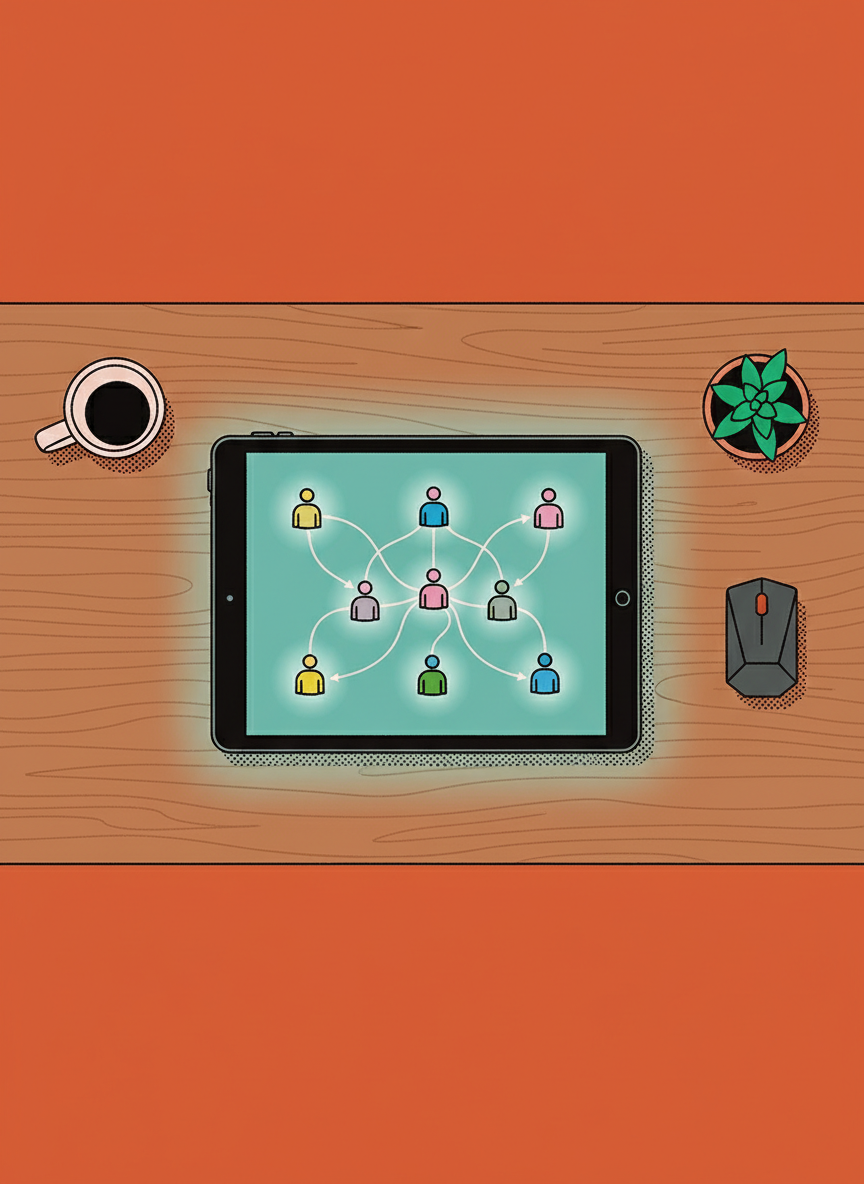
You have likely seen this scenario play out in your office or during a remote onboarding session. A new team member sits at their desk with a look of intense concentration that slowly drifts into frustration. On their left monitor, a video tutorial or a PDF manual is open. On their right monitor, the actual software they need to use is waiting for input.
Their head moves back and forth like a spectator at a tennis match. They pause the video. They turn to the software. They click a button. They realize they missed a step. They turn back to the video. They rewind ten seconds. They watch it again. They turn back to the work. This is the Two-Screen Problem.
As a manager who cares deeply about the success of your team, watching this struggle is painful. You want your people to feel empowered and capable, but instead, they look anxious and uncertain. You are not looking for a quick fix or a magic pill. You are looking for a logical way to help your team build the skills they need to help your business thrive.
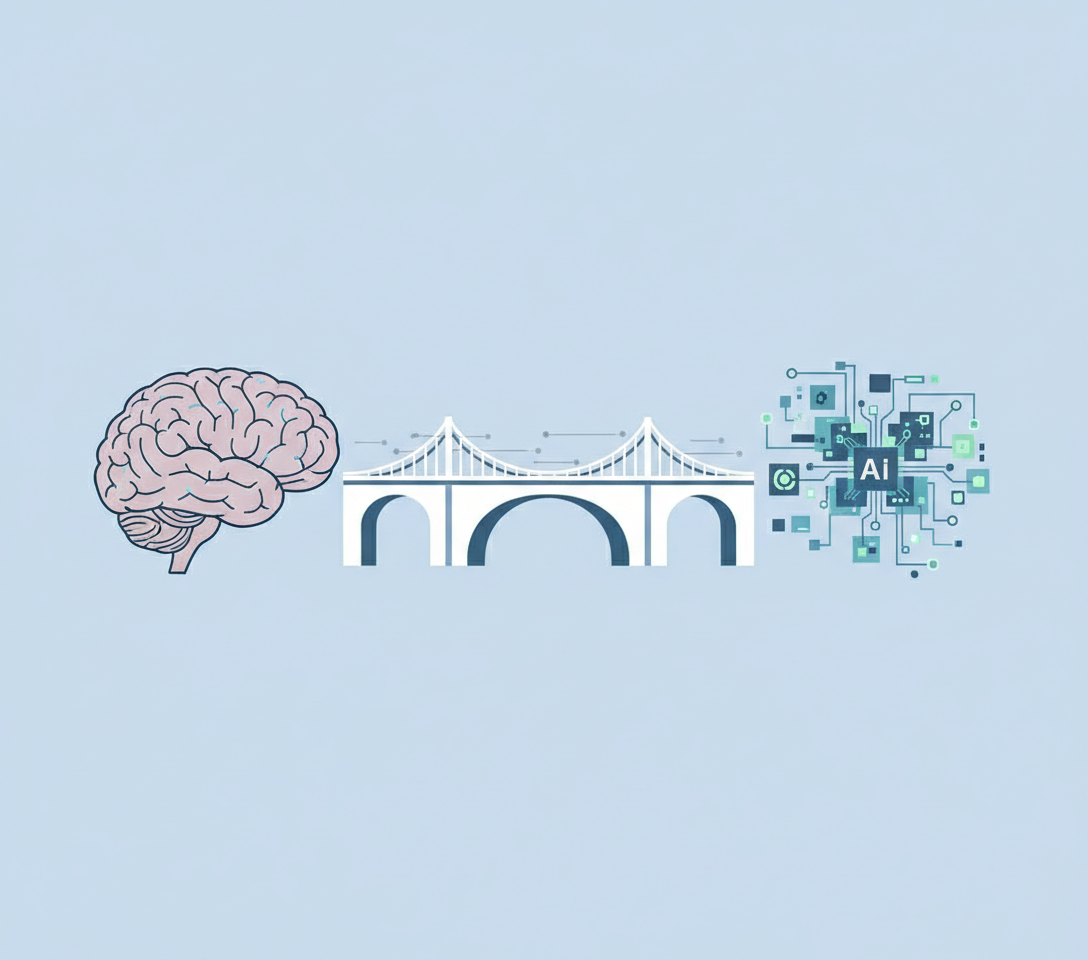
When we force employees to separate the learning source from the work environment, we introduce a layer of friction that degrades performance. It is not a lack of intelligence on the part of the employee. It is a structural flaw in how we present information. Understanding the mechanics of this disconnect is the first step toward building a more resilient and capable workforce.
The Cognitive Cost of Context Switching
To understand why the Two-Screen Problem is so detrimental, we have to look at how the brain processes information. When a person is trying to learn a new complex task, their working memory is under heavy load. They are trying to absorb new terminology, navigate a new interface, and execute a specific business process simultaneously.
When we ask them to look at a training video on one screen and then apply that knowledge on another, we are forcing them to engage in rapid context switching. Every time they look away from the work to the training material, they break their flow. They have to reorient themselves to the video, find the relevant information, hold that information in their short-term memory, and then carry it back to the other screen.
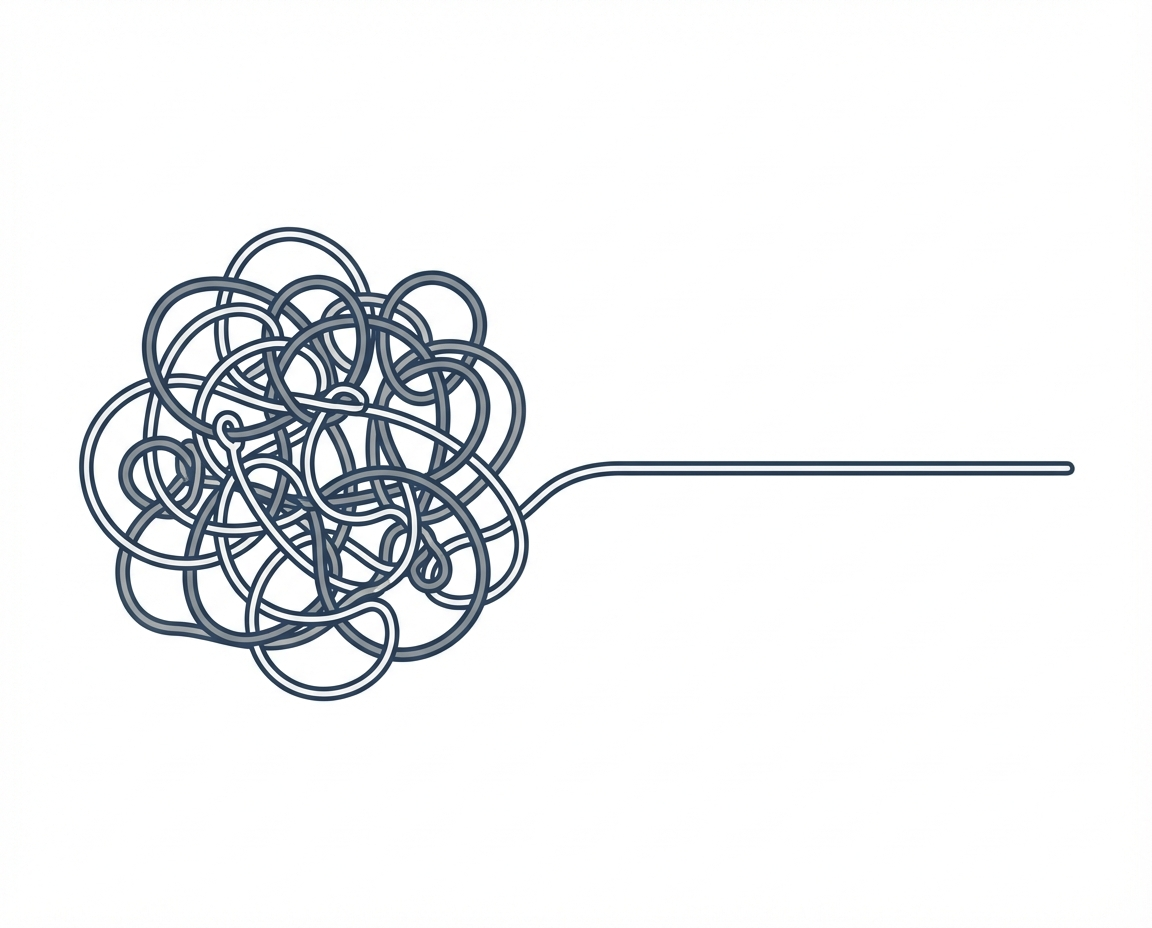
This creates what is known as the split-attention effect. The effort required to mentally integrate these two separate sources of information eats up cognitive resources that should be used for learning the actual task. This leads to several tangible issues for your business:
- Higher error rates as details are lost in the transfer between screens
- Increased time to proficiency for new hires
- A decrease in confidence as employees feel overwhelmed by the process
- Fatigue and burnout caused by unnecessary mental strain
Why Passive Observation in Training Fails
The traditional approach of watching a video and then trying to replicate the action relies heavily on passive observation. The assumption is that if a team member sees something done correctly, they can immediately do it themselves. However, observing is not the same as doing.
In the Two-Screen scenario, the learner is often just mimicking actions without truly understanding the underlying logic. They are following a recipe without understanding how to cook. If a variable changes or if the software updates, they are often left stranded because they did not learn the system; they only learned to copy the video.
For a business owner who wants to build something remarkable and lasting, having a team of mimics is not enough. You need a team of critical thinkers who understand the tools they are using. Passive observation on a secondary monitor rarely leads to that level of mastery.
Comparing Integrated Learning to Separated Training
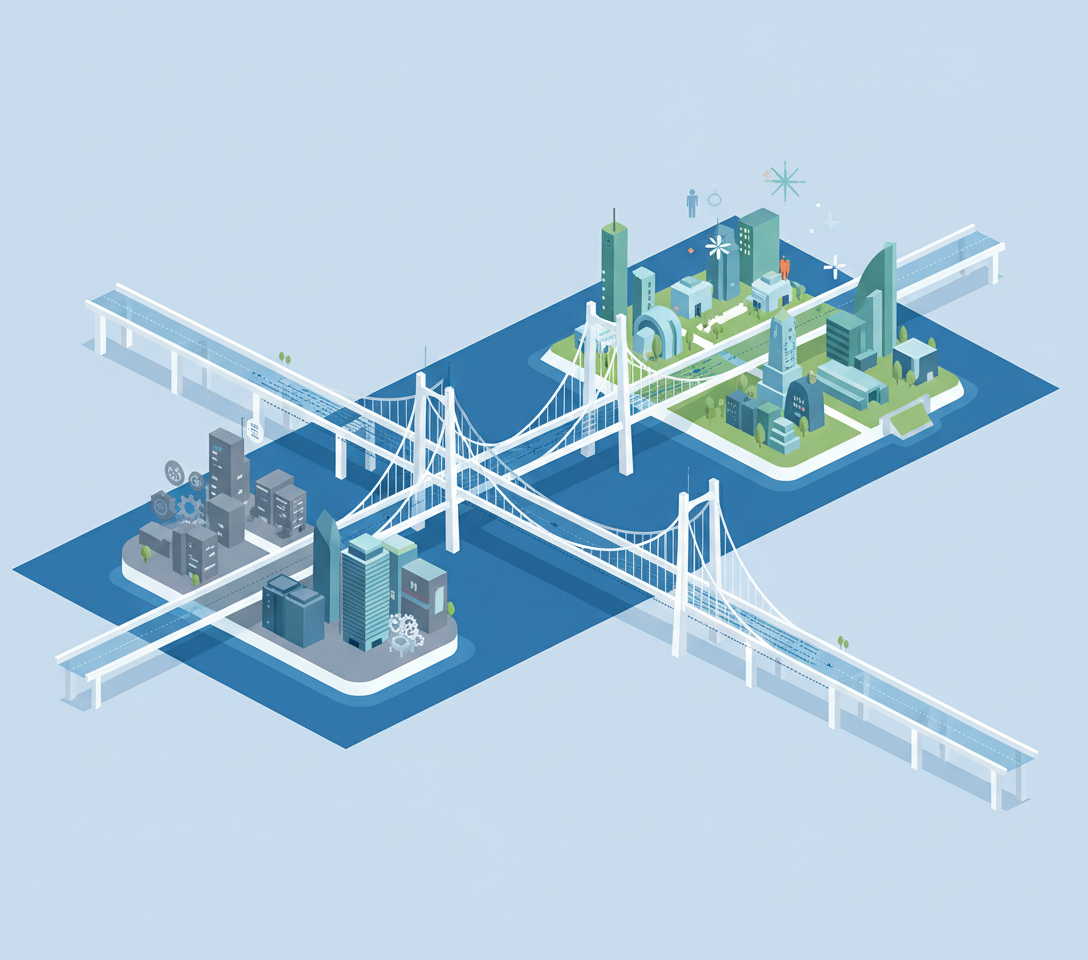
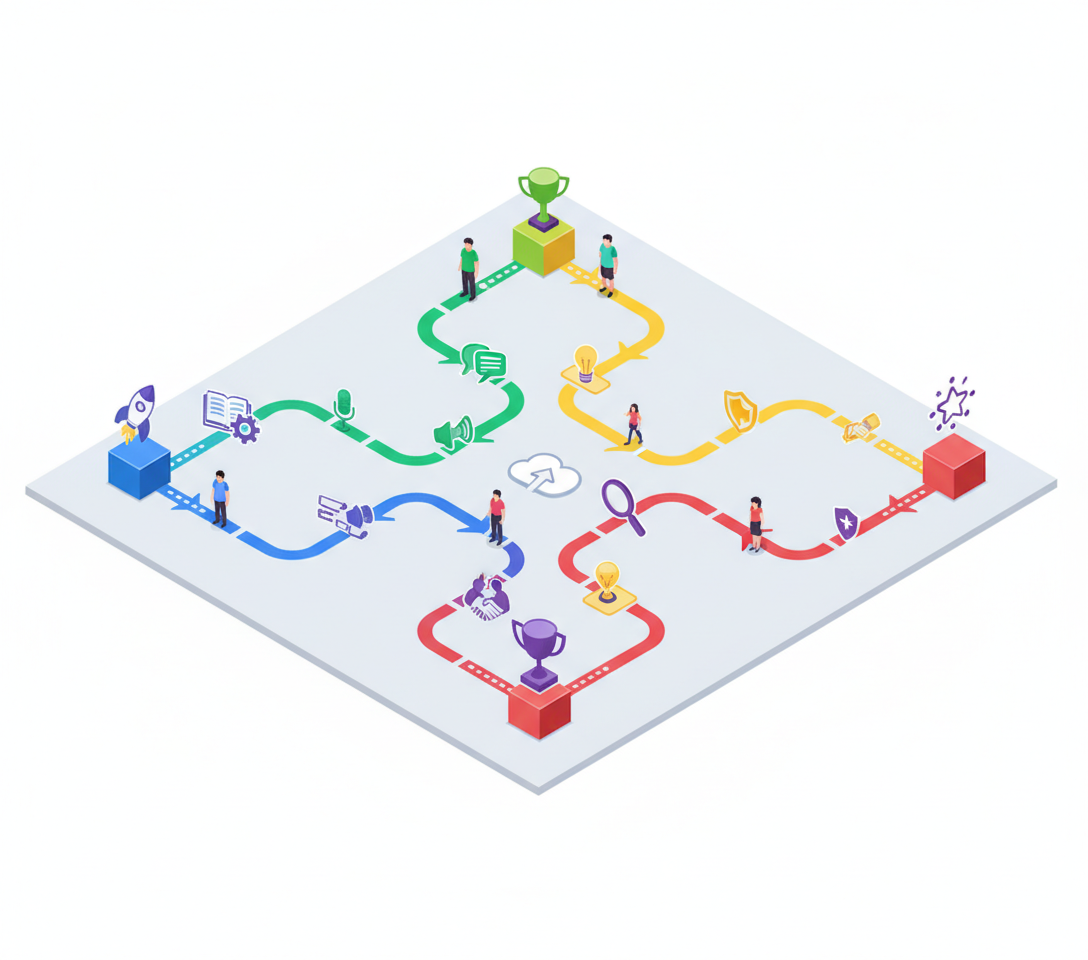
The alternative to the Two-Screen Problem is integrated learning. This method removes the physical and cognitive distance between the instruction and the application. Instead of looking over at a separate monitor, the guidance appears directly within the workflow itself.
Think of the difference between reading a book on how to play the piano versus having a teacher sit next to you, pointing to the keys as you play. One requires you to translate abstract instructions into physical actions across a gap. The other provides immediate, contextual feedback.
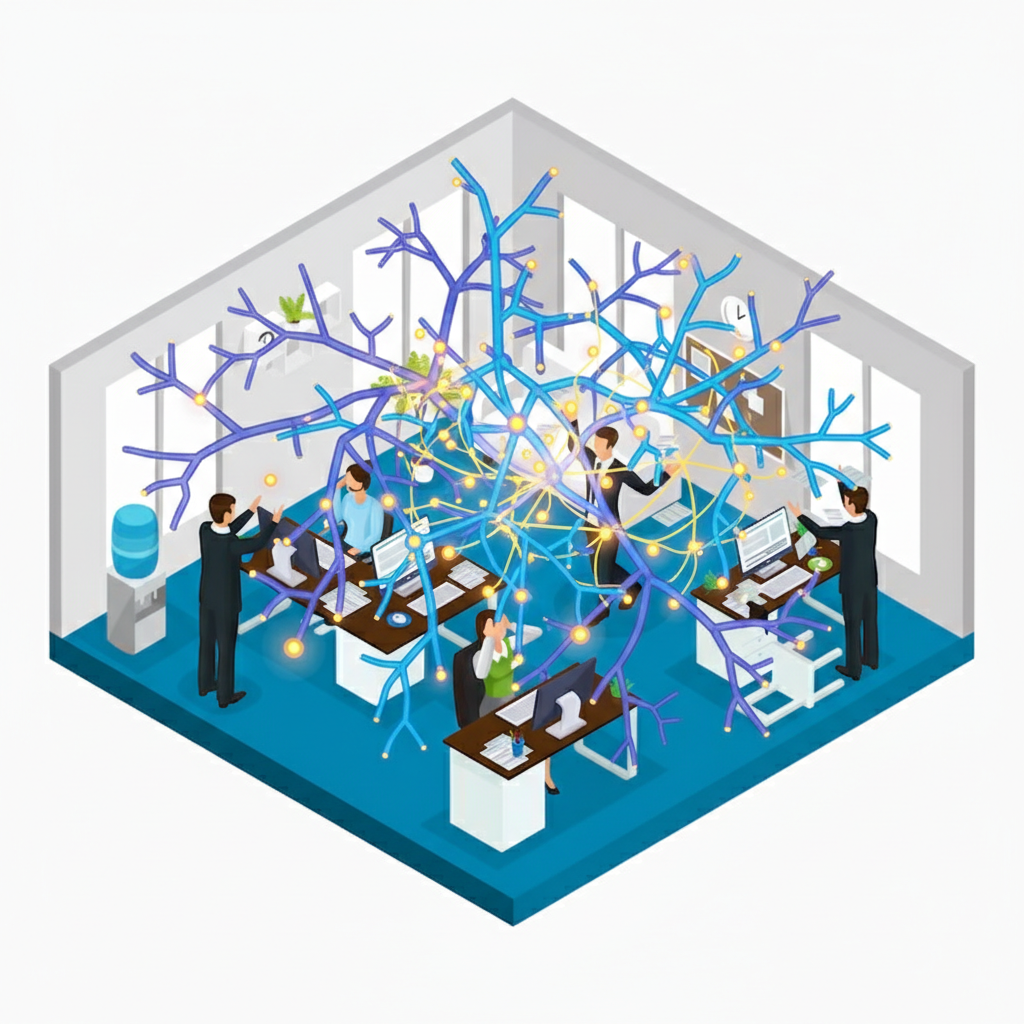
In a business setting, integrated learning means the instructions, best practices, and guardrails are overlaid on the software the team is using. This changes the dynamic entirely:
- The learner stays in the flow of work
- Information is delivered exactly when it is needed
- The mental energy used for context switching is redirected toward understanding the task
The Risks for Customer Facing Teams
This distinction becomes critical when we look at specific types of teams. For teams that are customer facing, the margin for error is incredibly slim. If a support agent or a sales representative is struggling with the Two-Screen Problem while on a call, the customer can sense the hesitation. Mistakes here cause mistrust. They damage the reputation you have worked so hard to build and can directly result in lost revenue.
If your team is customer facing, they cannot afford the time tax of looking up a tutorial on a second screen. They need the answer to be part of the interface they are using. This ensures that the customer receives accurate, consistent service every time, and the employee feels supported rather than scrutinized.
Managing Chaos in Fast Growing Environments
For businesses that are scaling, the environment is often defined by a heavy amount of chaos. You might be adding new team members rapidly, entering new markets, or rolling out new products. In these scenarios, static training videos become obsolete almost as soon as they are recorded.
The Two-Screen Problem is exacerbated here because the video on screen one might not even match the updated software on screen two. This leads to confusion and a breakdown in trust. Teams that are growing fast need a way to push updates and guidance instantly to the workflow. Integrated learning stabilizes the environment by ensuring that everyone is looking at the most current version of the truth, right where they are working.
High Risk Environments Require Retention
There are certain business environments where a mistake is more than just an inconvenience; it is a liability. In high risk environments, such as those dealing with financial data, healthcare information, or safety compliance, serious damage or injury can occur if processes are not followed exactly.
In these cases, mere exposure to training material is insufficient. You cannot simply hope the team watched the video on the second monitor. It is critical that the team really understands and retains the information. Integrated learning acts as a safety net, guiding the user through the necessary checks and balances to ensure compliance and safety.
How HeyLoopy Addresses the Workflow Disconnect
This is where we have seen HeyLoopy become the right choice for businesses facing these specific challenges. We recognize that for a manager, the goal is not to buy software, but to alleviate the pain of uncertainty and error within the team. HeyLoopy moves away from the disconnected training model and offers an iterative method of learning.
We function not just as a training program, but as a learning platform that is embedded in the work itself. By removing the need for the second screen, we help you build a culture of trust and accountability. Your team knows that the guidance is there to support them, not to test them. This is most effective for teams that need to retain information deeply rather than just skim it.
Building Confidence Through Better Tools
As a leader, you are constantly navigating fears that you might be missing a key piece of the puzzle. You look at others who seem to have more experience and wonder how they manage to keep their teams aligned. The answer often lies in the tools and methodologies they use to support their people.
Eliminating the Two-Screen Problem is a practical, straightforward step you can take to de-stress your management journey. It removes a major barrier to your team’s success. It signals to your employees that you value their time and their cognitive energy. It allows them to focus on what matters: doing great work that contributes to a solid, valuable business.
You are willing to put in the work to build something incredible. Ensuring your team learns in a way that aligns with how their brains actually function is part of that work. It turns the chaos of learning into a structured, supportive path toward mastery.