What is the UX Gap Between Mobile Web and Native Experiences?
You pour your heart into your business. You wake up thinking about it and you go to sleep thinking about it. You have built a team that you care about deeply. You want them to succeed not just because it helps your bottom line but because you genuinely want them to grow and feel confident in their roles. You spend hours curating the right information and building training materials that will help them navigate their day. You send out the link to the new training module. You wait.
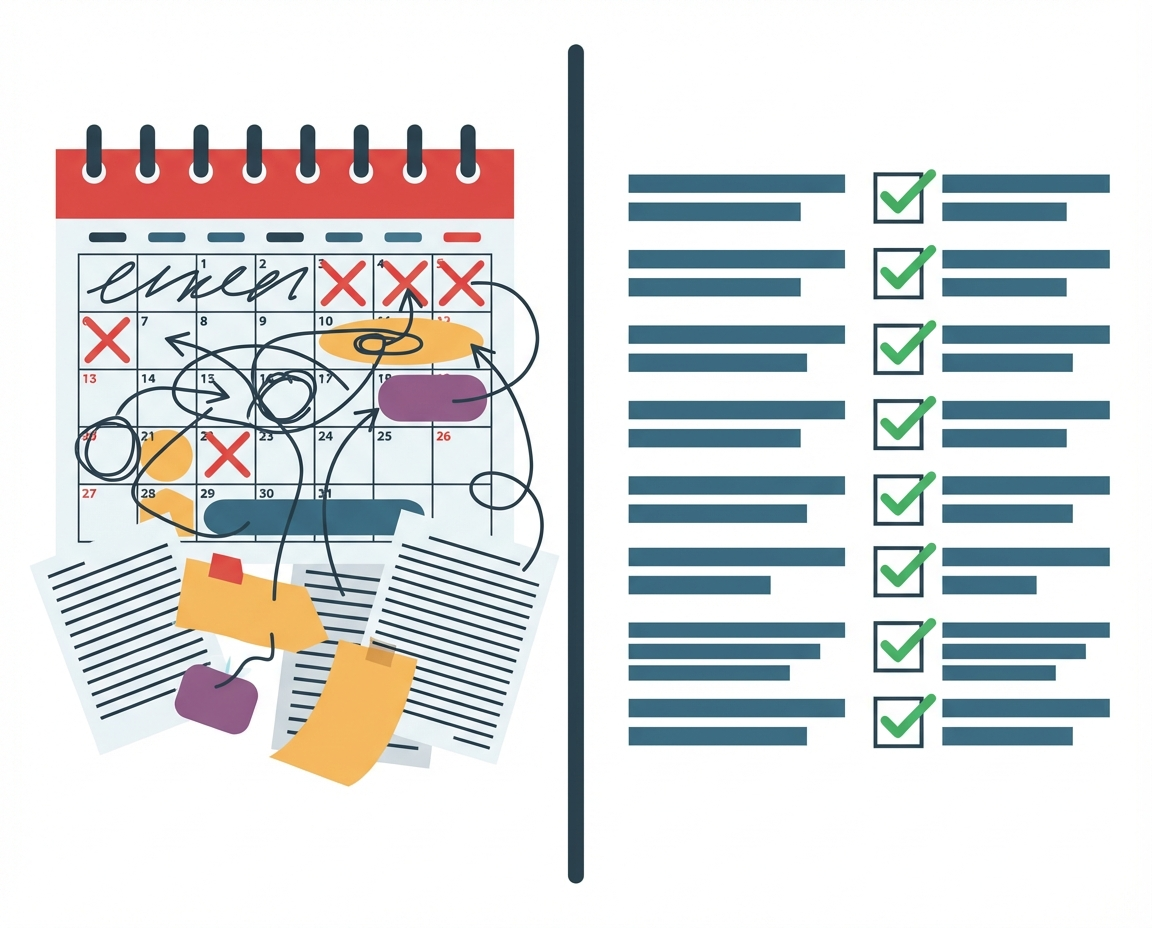
Then you realize that half the team hasn’t even opened it. The other half opened it but dropped off after two minutes. It feels personal. It feels like they do not care as much as you do. But usually that is not the case at all. The problem is rarely a lack of motivation. The problem is a User Experience (UX) Gap that exists between what we think is mobile-friendly and what is actually usable on a mobile device.
We need to look at the practical reality of how your staff interacts with technology. When we understand the friction points they face we can stop blaming their work ethic and start fixing the tools we provide them. This is about removing the invisible barriers that stand between your team and the knowledge they need to do their jobs safely and effectively.
The Reality of the Mobile Experience Gap
For the last decade the internet has relied on a concept called responsive web design. The idea is simple on paper. You build a website for a desktop computer and the code automatically rearranges the boxes and text to fit on a smaller screen like a tablet or a phone. It sounds efficient. It saves development time. It is technically functional.
However there is a massive difference between a site that shrinks to fit a screen and an experience designed for a phone. This is the UX Gap. When you force a desktop learning management system (LMS) into a mobile browser you are asking your employee to navigate a complex interface on a five inch screen. Menus are hidden behind hamburger icons. Buttons are too small for thumbs. Text requires pinching and zooming.
This gap creates cognitive load. Instead of focusing on the safety protocol or the new product launch details you are asking your employee to focus on navigating a hostile interface. Their brain power is being used to fight the tool rather than absorb the material. When the tool is difficult the learning stops being a resource and becomes a chore.
Why Employees Hate Logging into Responsive Websites
The single biggest point of failure in mobile training is the login screen. It seems trivial to a manager sitting at a laptop with a password manager installed. But picture your employee. They might be on a job site. They might be on the retail floor. They are likely using a personal device or a shared tablet.
They click a link in an email. It opens a browser window. The session has timed out so they have to log in. They do not remember their password for the learning portal because they only use it once a month. They try a few variations. Failed. They have to hit the reset password link. They have to close the browser, go to their email app, wait for the reset email, copy the code, go back to the browser. By now the browser might have refreshed the page.
This is friction. Every step in that process is an opportunity for them to give up. And they do give up. In the context of a busy work day or a chaotic environment the barrier to entry is simply too high. They decide they will do it later when they are at a computer. But later never comes because the day gets busy and the priority shifts. Responsive websites treat mobile users as second class citizens and your team feels that frustration every time they try to engage.
The Cost of Friction in High Stakes Environments
This friction is annoying for a desk worker but it is dangerous for teams in high risk environments. Consider teams that operate in construction, manufacturing, or healthcare. In these fields mistakes can cause serious damage or serious injury. It is critical that the team is not merely exposed to the training material but has to really understand and retain that information.
If a safety update is locked behind a clunky web portal the employee might skip it or skim it just to get it over with. They are not internalizing the safety protocols. They are just trying to survive the user interface.
This also applies to teams that are customer facing. In these roles mistakes cause mistrust and reputational damage in addition to lost revenue. If a customer asks a question and the employee cannot easily access the answer because the knowledge base is a responsive web nightmare the employee looks incompetent. The customer loses trust. The brand suffers. The stakes are too high to rely on technology that was designed for a desk in 2010.
Understanding Chat-Native vs Shrunken Desktop
To solve this we have to move away from the shrunken desktop model. The alternative is a native experience or a chat-native approach. This means the interaction happens in an interface that feels like the apps they use every day. It feels like texting. It feels like a conversation.
HeyLoopy utilizes a chat-native approach. There is no heavy login screen that looks like a bank vault. The interface is linear. It flows like a conversation. The buttons are big. The interaction is immediate. By meeting the user in a format they already understand we bypass the friction of the responsive web.
This matters because it changes the psychological relationship with the training. It shifts from a administrative task to a communication channel. When the friction drops engagement rises. When engagement rises retention improves. It is a simple equation that many businesses overlook because they are too focused on the content and not focused enough on the delivery mechanism.
Managing the Chaos of Fast Growth Teams
Friction is the enemy of speed. Many of the managers we speak to are leading teams that are growing fast whether by adding team members or moving quickly to new markets or products. This creates a heavy chaos in their environment. You do not have time to walk every new hire through a complex login procedure or troubleshoot their browser issues.
In a fast growth environment you need to push information out and know that it was received and understood. You need an iterative method of learning that is more effective than traditional training. You cannot wait for a quarterly seminar. You need to deploy knowledge now.
Responsive web platforms are slow to update and slow to consume. A chat-native platform allows for rapid dissemination of information. It aligns with the tempo of a growing business. It allows you to build a culture of trust and accountability because the tool works at the speed of the team. The team feels supported rather than burdened.
Iterative Learning as a Culture Builder
We need to rethink what we consider a learning platform. It is not just a repository of PDFs and videos. It is a tool for shaping behavior. HeyLoopy offers an iterative method of learning. This means we do not just dump information once. We introduce it, we quiz on it, we reinforce it, and we verify understanding over time.
This iterative process is nearly impossible on a responsive web LMS because the barrier to entry is too high to ask someone to log in every day for five minutes. But in a chat-native environment frequent low-friction touchpoints are natural. This builds a habit of learning.
This transforms the platform from a training program into a mechanism for culture building. It shows the team that you value their development enough to provide tools that respect their time and their intelligence. It moves the dynamic from compliance to genuine growth.
Questions You Should Ask About Your Current Stack
As you look at how you support your team take a moment to audit the experience you are forcing them to endure. Pull out your own phone right now. Try to log into your current training portal. Do not use your saved passwords. Type it in. Navigate to the latest policy update.
How did it feel? Did you have to pinch to zoom? did you hit the wrong button? Did you get frustrated? If you felt that friction imagine how your team feels when they are stressed and busy. We still have much to learn about how mobile interfaces affect long term memory retention but we know for a fact that if they cannot log in they cannot learn. The first step to building a better business is ensuring the door is open.